Keyboard Key Switch Mechanisms
This page is a guide of computer keyboard key switch mechanisms.
Rubber Dome Switch
Most common, and cheap to make. bad tactile quality.
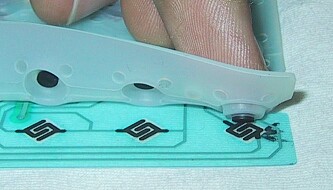 Keyboard Rubber Dome Switch
Scissor Switch
Most common on laptop keyboards. Quality vary.
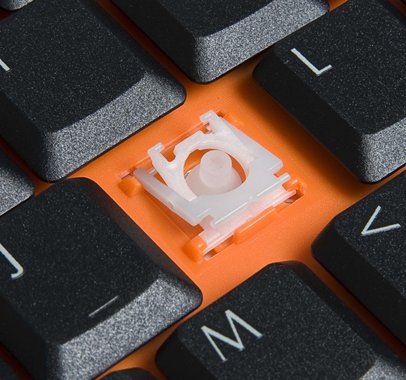 Keyboard Scissor Switch
Cherry MX Switches (1983)
Cherry MX is the classic most popular mechanical switch from about 1980s to 2010. (after that, many Chinese clones and variations became popular too.)
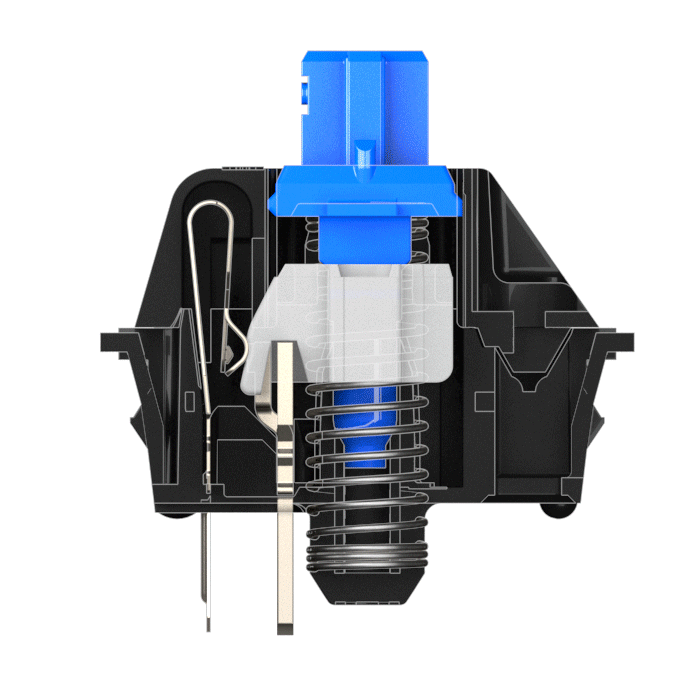 Cherry MX Switches
Cherry MX Compatible Switches
Many Chinese companies make Cherry compatible switches. They became popular since 2015.
Cherry MX compatible switches are NOT EXACTLY the same as those from Cherry the company. For example, Cherry MX Red, Cherry MX Silent Red, Kailh Red, all says 45g activation force by spec, but Cherry MX Silent Red is heavier, and Kailh Red is even more heavy, like 50g. This difference is very noticeable, and is critical for writers or people with Repetitive Strain Injury. [see Key Switch Activation Force vs Resistance Feel]
-
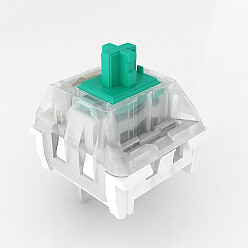 Kaihua Kailh Switch
 -
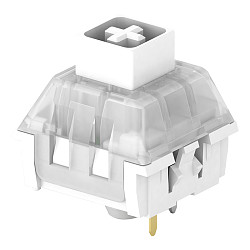 Kailh BOX Switch
 - Gateron Switches (including Zealio switch)
- Outemu switch is Cherry MX compatible made by Gaote Corp. 东莞市高特电子有限公司.
Kailh Choc Switch (~2016)
Choc Switch is a low-profile mechanical switch, from Kaihua.
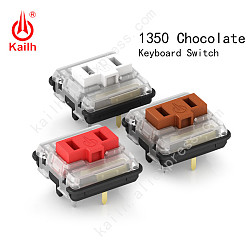 Kailh Choc Switch
Romer-G Switch (2015)
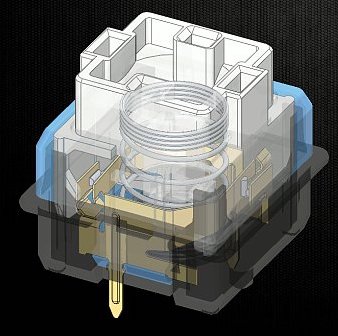 Romer-G Switch
Optical Key Switch
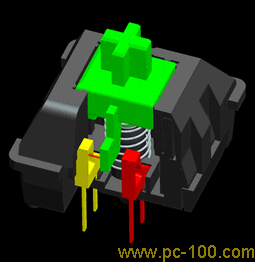 Optical Switch
Topre Switch
Topre switch is contactless electro capacitive switch. It is most famous via the Happy Hacking Keyboard
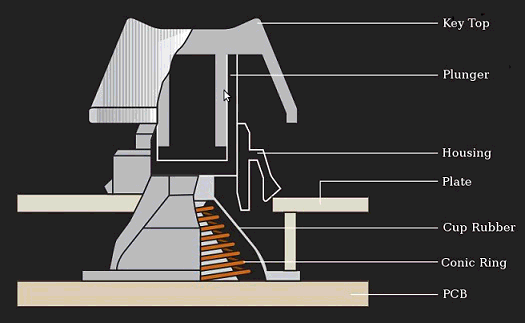 Topre Switch
Buckling Spring Switch
Buckling spring switch is most famous as used by IBM Model M keyboard. 1985 from 1980s and 1990s, and is loved by many keyboard nerds. It has a crisp tactile feel, but makes the loudest key noise.
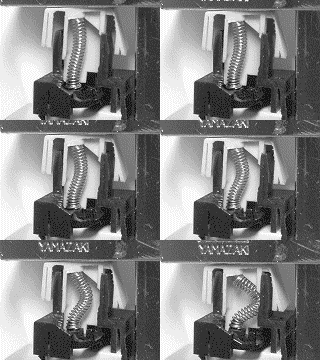 Buckling Spring Key Switch
ALPS Switch
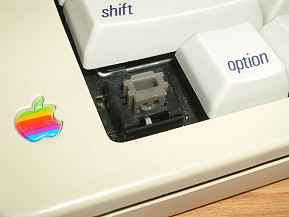 ALPS Switch
What Does “Mechanical” Keyboard Means
Computer keyboard key switch expert Thomas Ran (aka Chyrosran22) tells us
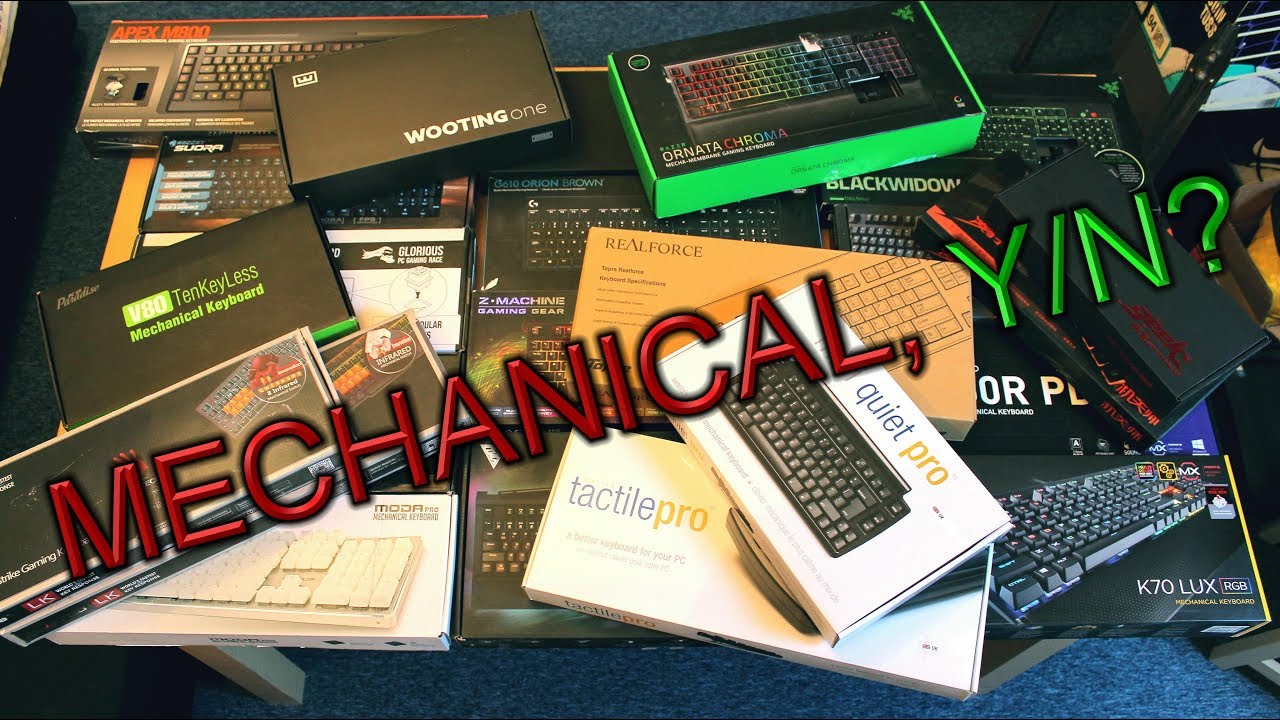
- https://youtu.be/H66XwhzhdnA
- When is a keyboard “mechanical”?
- by Chyrosran22
- Published on Dec 19, 2018
Demo of Different Force-Displacement Curves for Key Press
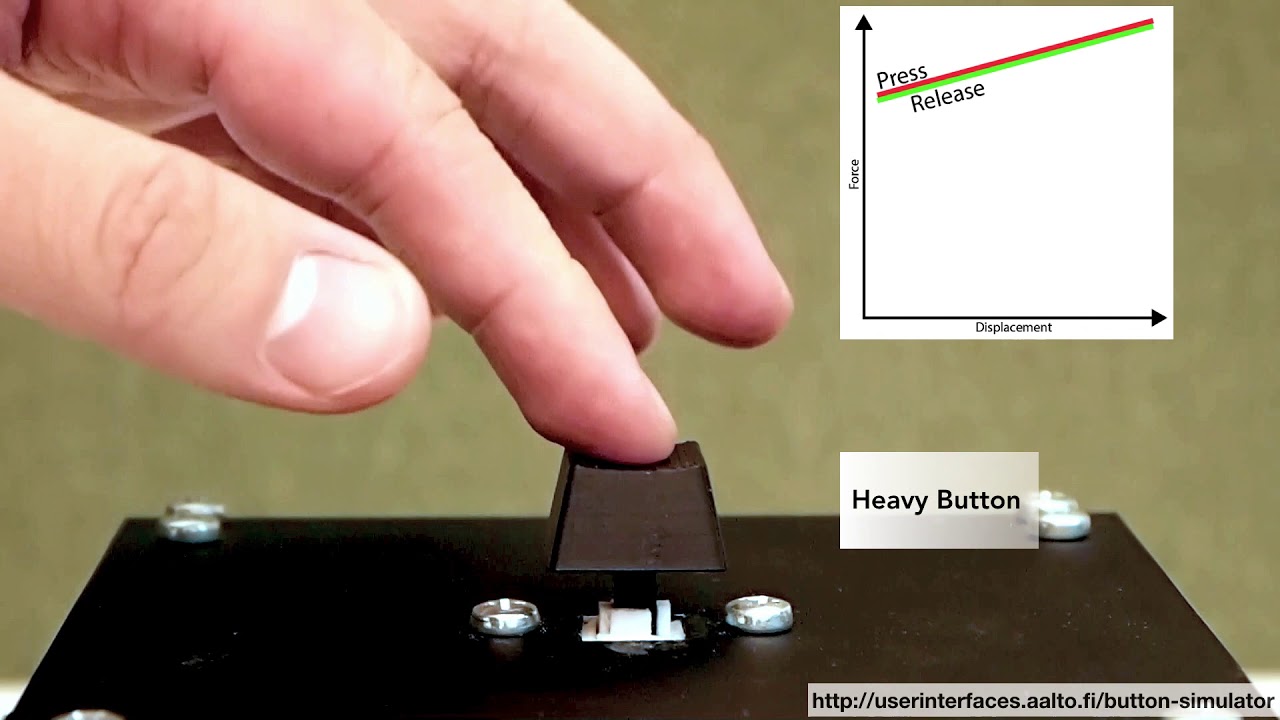
- https://youtu.be/-CbhRR6199U
- One Button to Rule Them All: Rendering Arbitrary Force-Displacement Curves
- Oct 9, 2018
- User Interfaces Group, Aalto University