Emacs: View Image File
- Alt+x
image-mode - View images, or manipulate images, such as rotate.
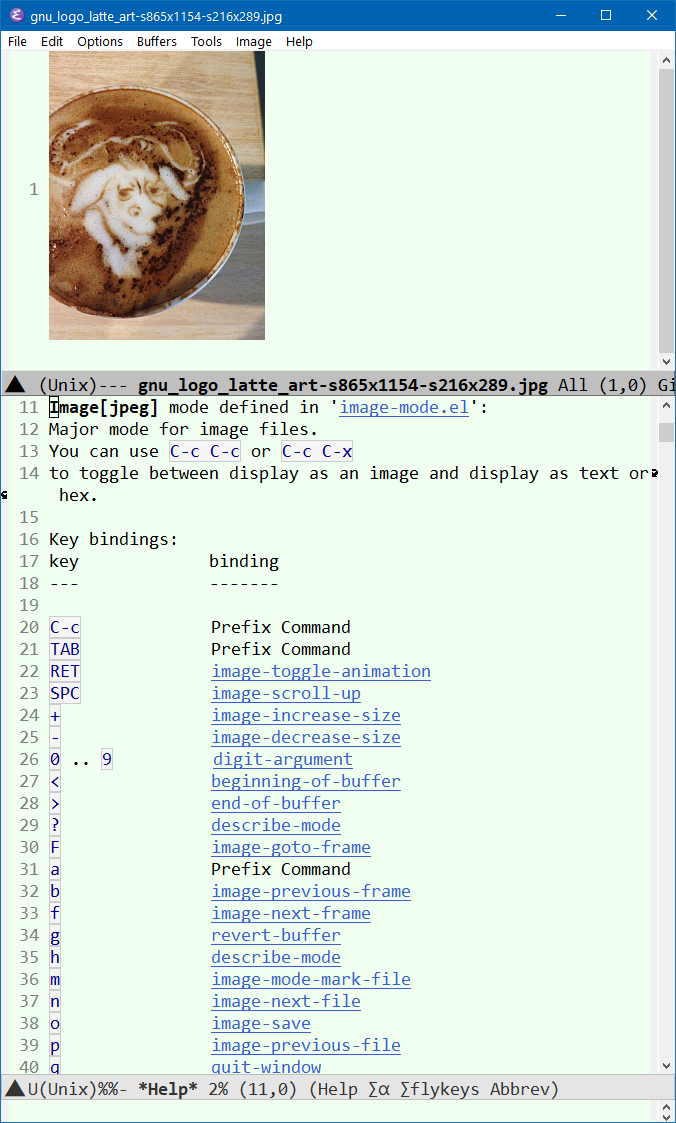
Open a image file. (Alt+x dired to open a dir, then Enter on a image file to open it.
[see dired tutorial]
)
Alt+x describe-mode to see its doc and keys.
Here's most useful keys. Some of these features are in emacs 27 only. [see Emacs 27 (Released 2020-08)]
- n
image-next-file- p
image-previous-file- +
image-increase-sizeHold Ctrl and scroll mouse wheel to zoom in/out.- -
image-decrease-size- g
revert-buffer- o
image-save- r
image-rotate- C-c C-c
image-toggle-display- C-c C-x
image-toggle-hex-display
Viewing Animation
- Enter
image-toggle-animation- f
image-next-frame- b
image-previous-frame- F
image-goto-frame- a +
image-increase-speed- a -
image-decrease-speed- a 0
image-reset-speed- a r
image-reverse-speed
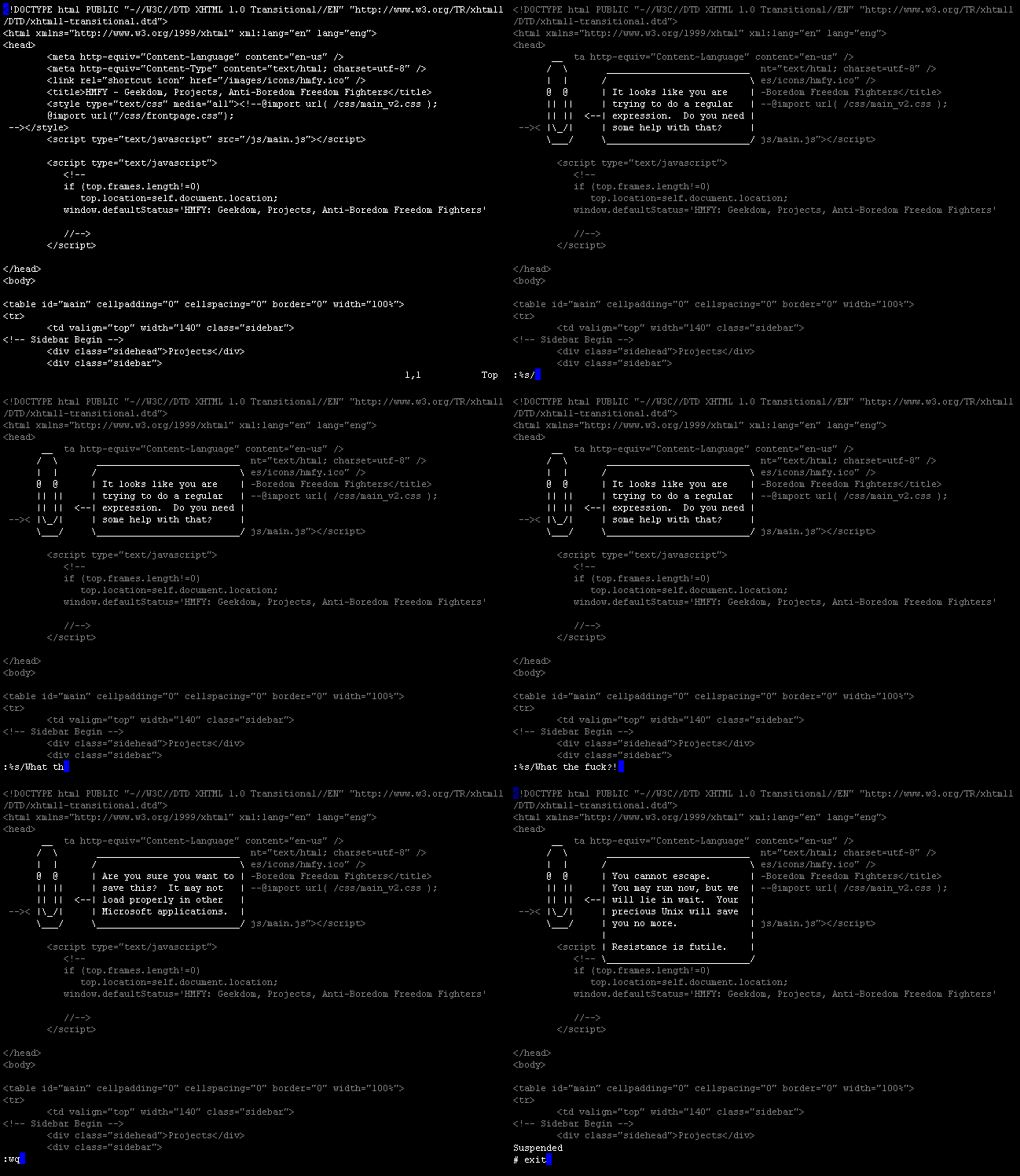
Here's a gif file you can play with, at vi_clippy_assistant.gif