Fun with Emacs
You probably heard that emacs can do lots of things. This page shows some.
Emacs Tetris
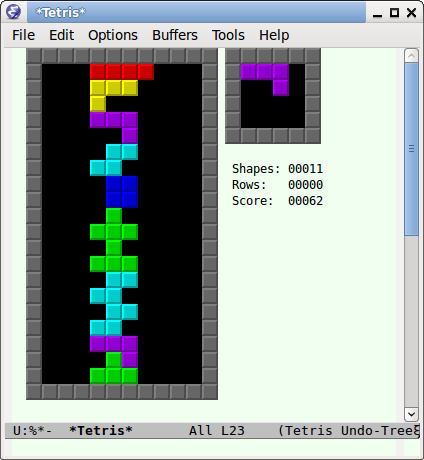
Alt+x tetris to start it. Use arrow keys to move the blocks.
Alt+x kill-buffer to close it.
Split Windows
You can split your window into two or more panes, vertically or horizontally. [see Emacs: Split Windows]
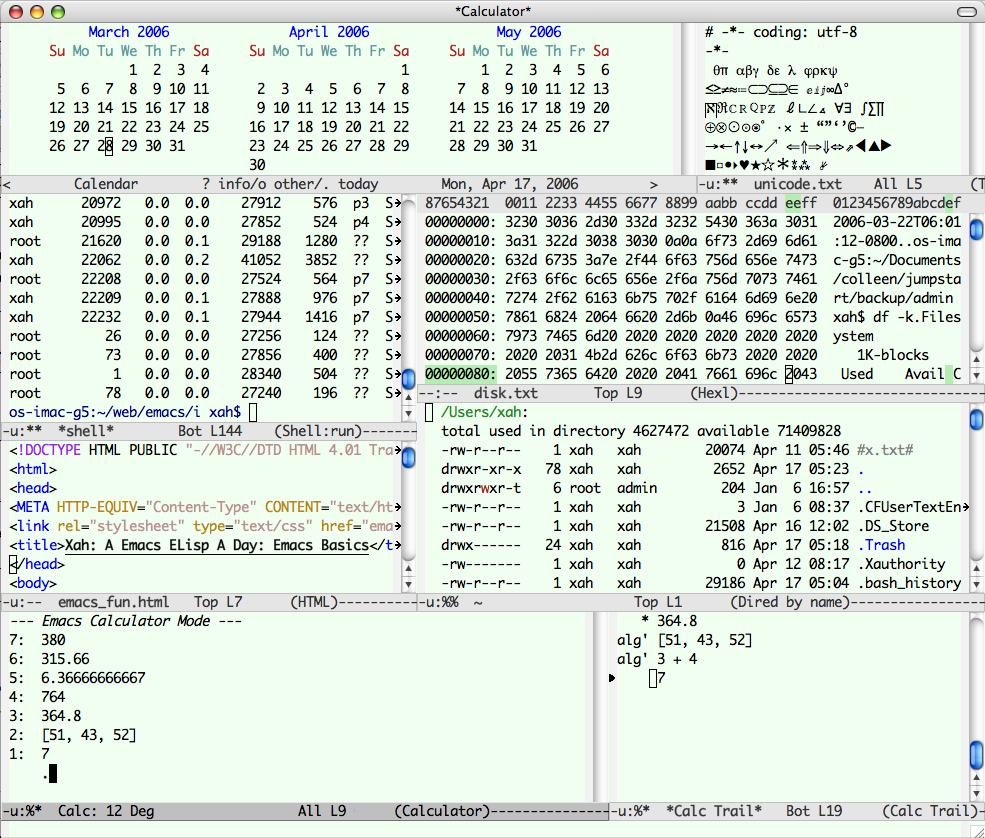
calendar, Unicode,
shell,
hexl-mode
, html-mode,
dired,
calculator.
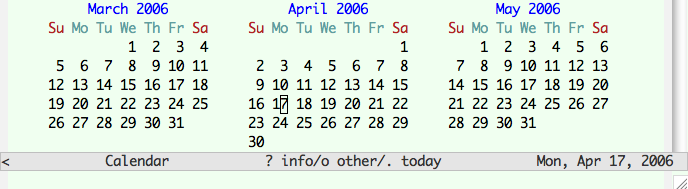
View Calendar
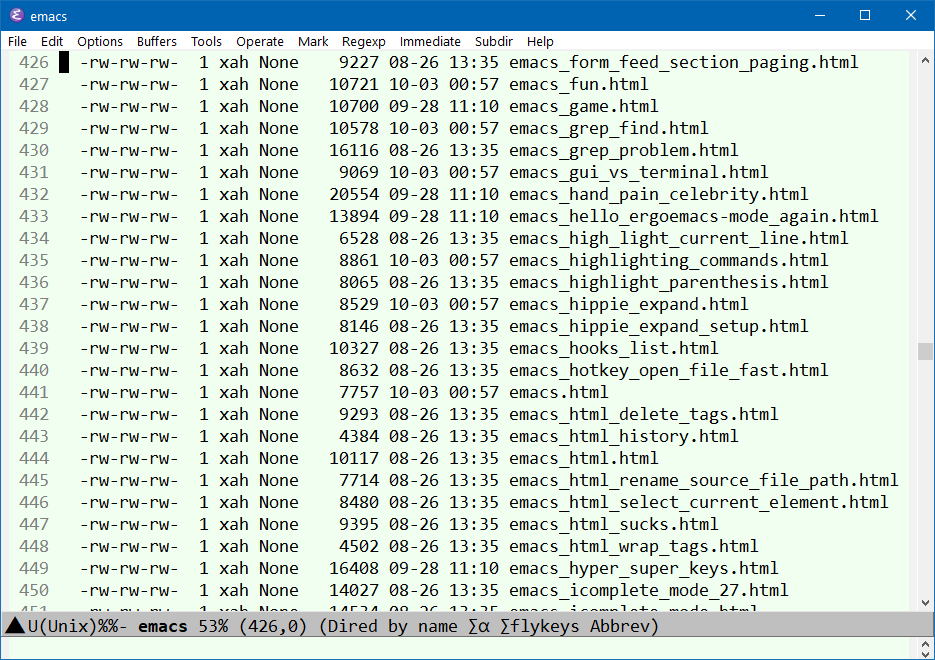
Directory Navigation and Managing Files
To start, Alt+x dired, then, type a dir path.
To exit, press q.
See
Emacs: File Manager, dired.
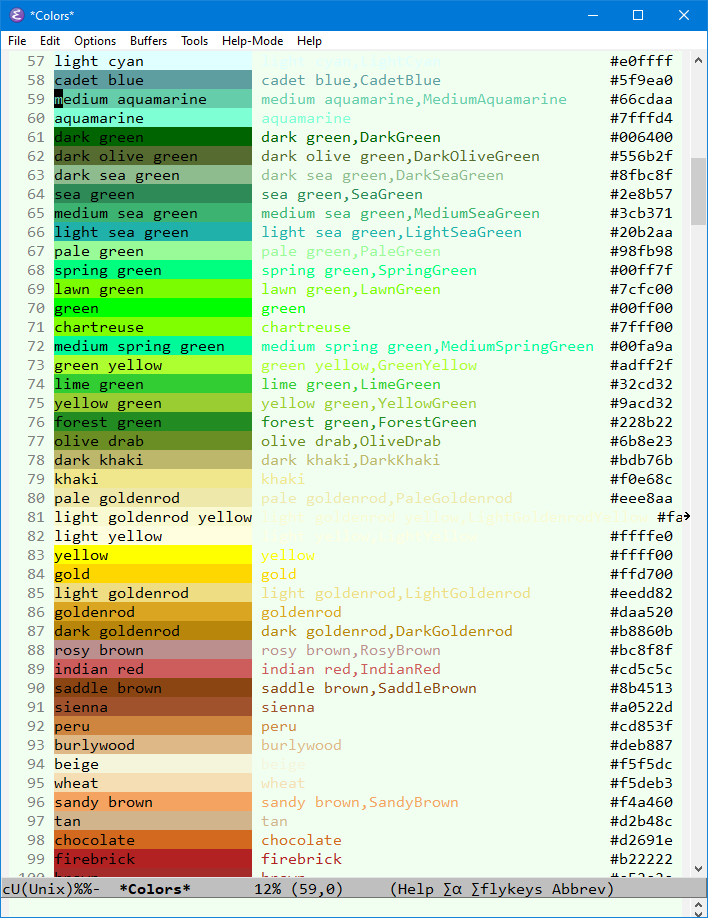
Pretty Colors
Alt+x list-colors-display
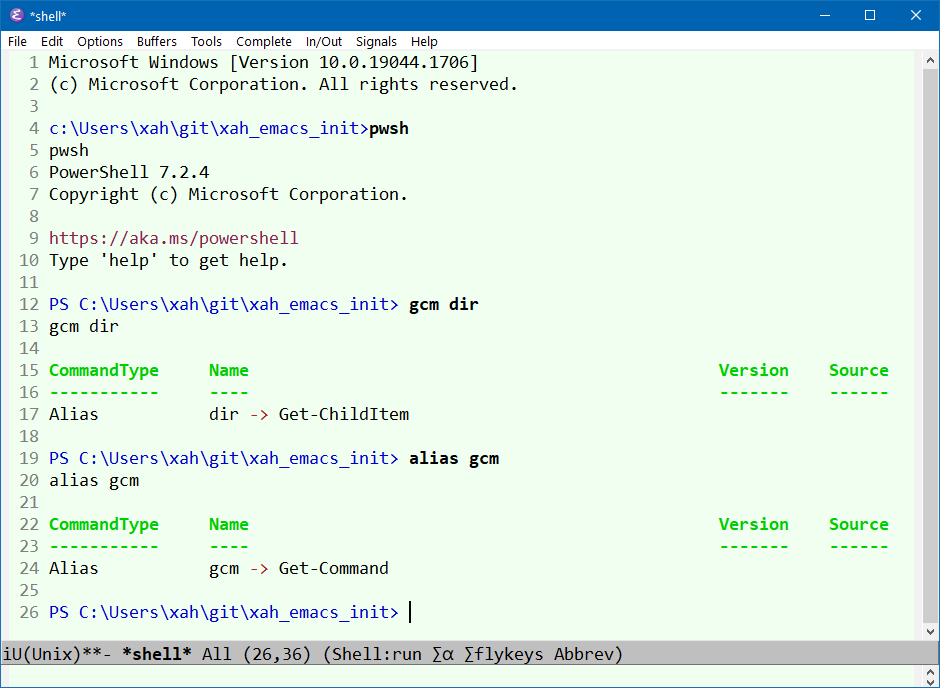
Command Line Interface (aka Shell)
Alt+x shell to start a shell interface.
[see Emacs: Run Shell in Emacs]
LISP in Emacs
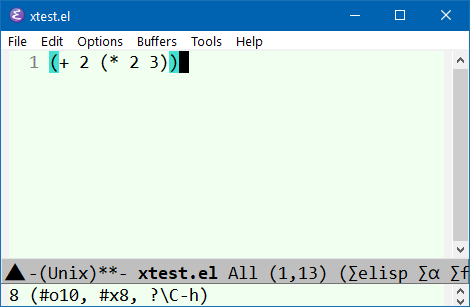
Sometime you hear that emacs has the artificial intelligence language LISP built-in. That's right. Here's how you can run a short example.
[see Evaluate Emacs Lisp Code]
In emacs, open a file, any file.
In the file, type (+ 1 2), then, select the whole text, then Alt+x eval-region.
You will see the result “3”.
CONGRADULATIONS, you've just evaluated a lisp program!
See: ELisp: Quick Start.