Windows: Keyboard Shortcut to Launch as Admin in Windows Start Menu
Keyboard Shortcut to Launch as Admin in Windows Start Menu
in Windows 10 start menu, is there a key to launch the admin version of app?
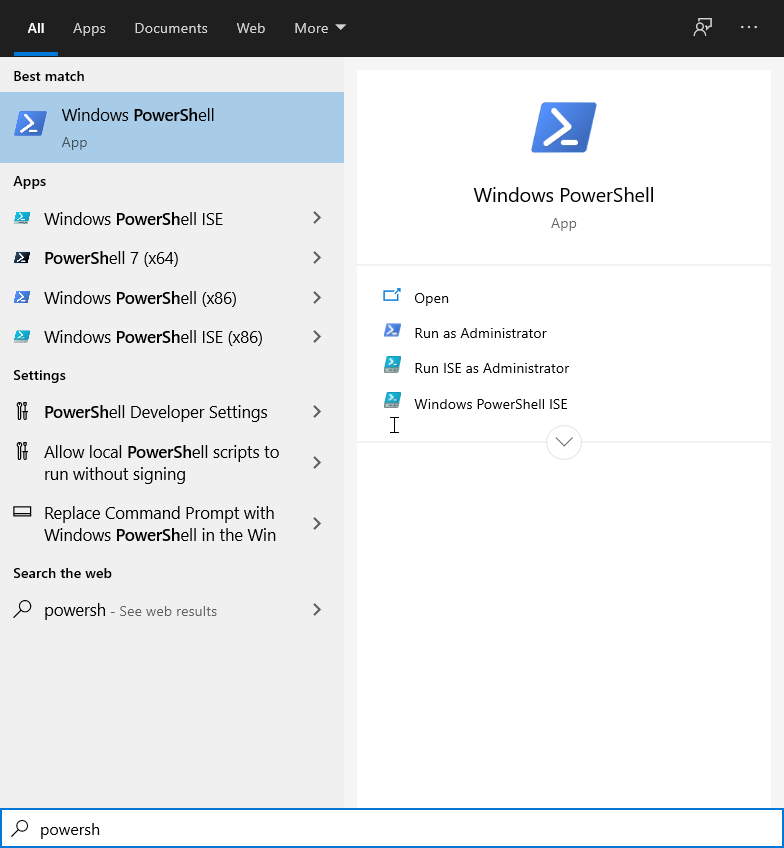
In the Microsoft Windows start menu,
press Ctrl+🪟 Windows+Shift+Return
to launch as administrator.
press Ctrl+🪟 Windows+Shift+1 to launch the first application of the menu bar as administrator (2 for the second etc.)
2021-02-19 thanks to Amine Chadly for help on key to launch admin.
Windows Keyboard Shortcuts
- Windows: Keyboard Shortcuts
- Windows: Change Windows Size Keyboard Shortcuts
- Windows: Windows Logo Key Shortcuts
- Windows: Screenshot Keyboard Shortcuts
- Windows: File Explorer Keyboard Shortcuts
- Windows: Set Key to Launch or Switch App
- Windows: Keyboard Shortcut to Launch as Admin in Windows Start Menu