HTML: Charset and Encoding
What is HTML Charset
HTML charset is a set of allowed characters and character encoding specification.
In HTML, you can declare the charset for the file, inside the head
tag, like this:
<head>

<meta charset="utf-8" />

</head>
Declare Charset in HTML 4
For HTML 4, use this:
<meta http-equiv="Content-Type" content="text/html;charset=utf-8">
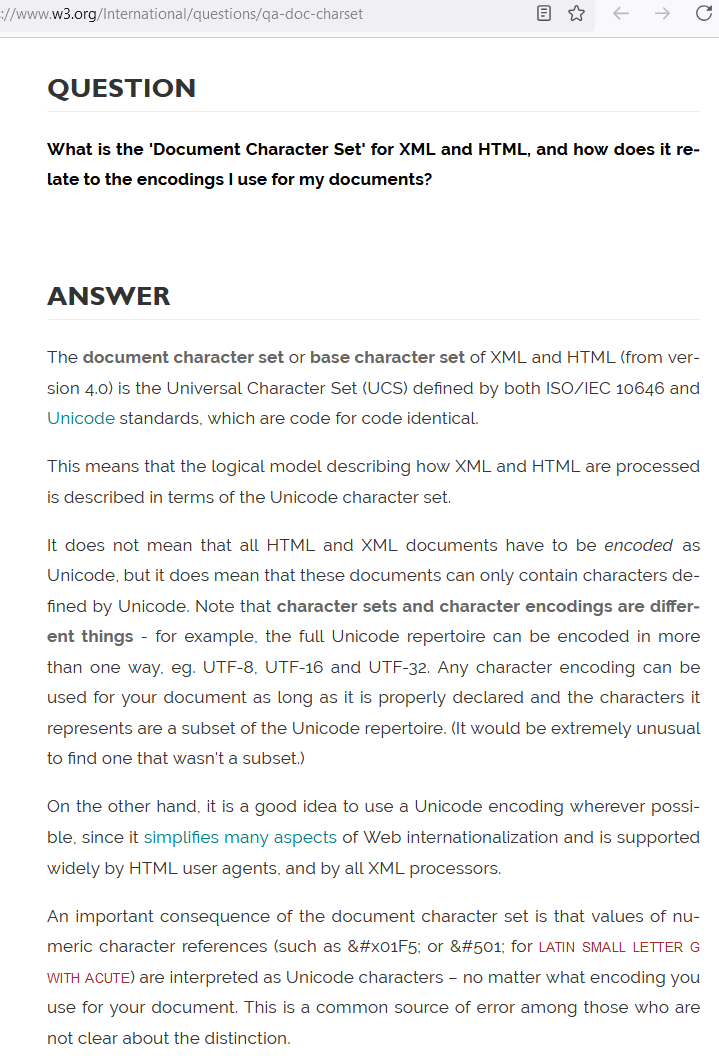
HTML/HTTP Charset is About Encoding, Not Character Set
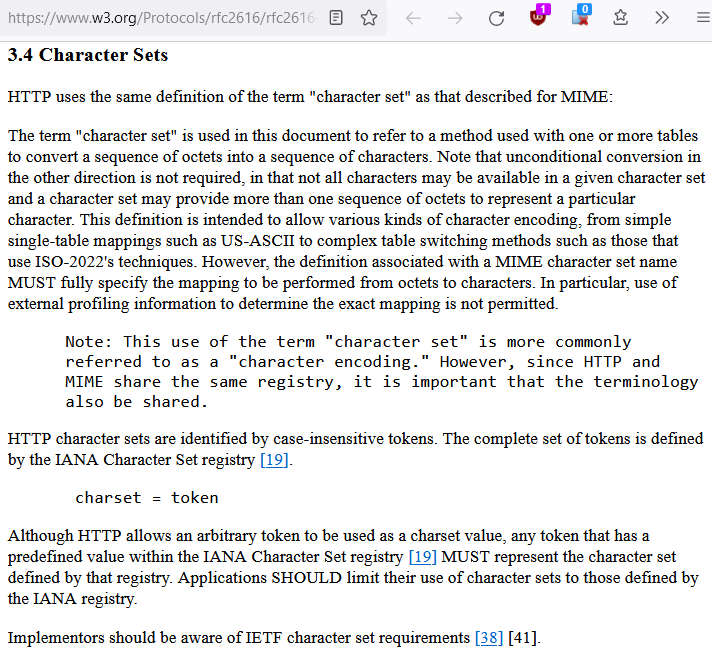
HTTP's definition of charset (and the charset meta tag in HTML) is actually about character encoding.
Here is a excerpt:
What is HTML 4 or HTML 5's Default Encoding?
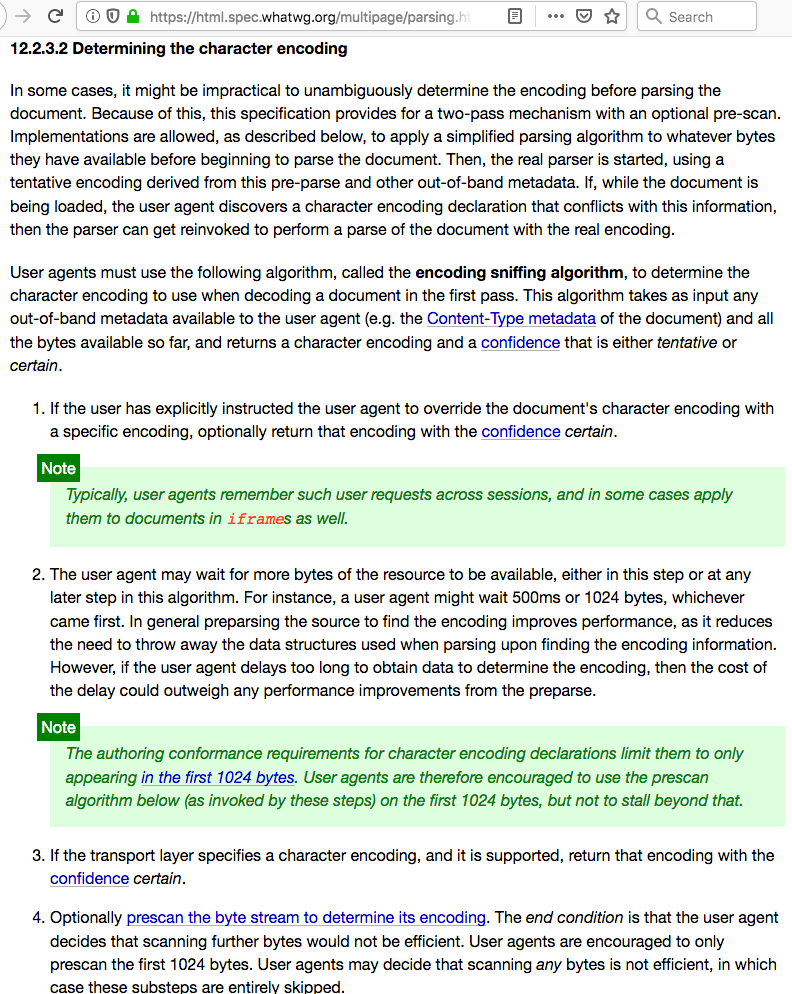
By spec, there is no default encoding.
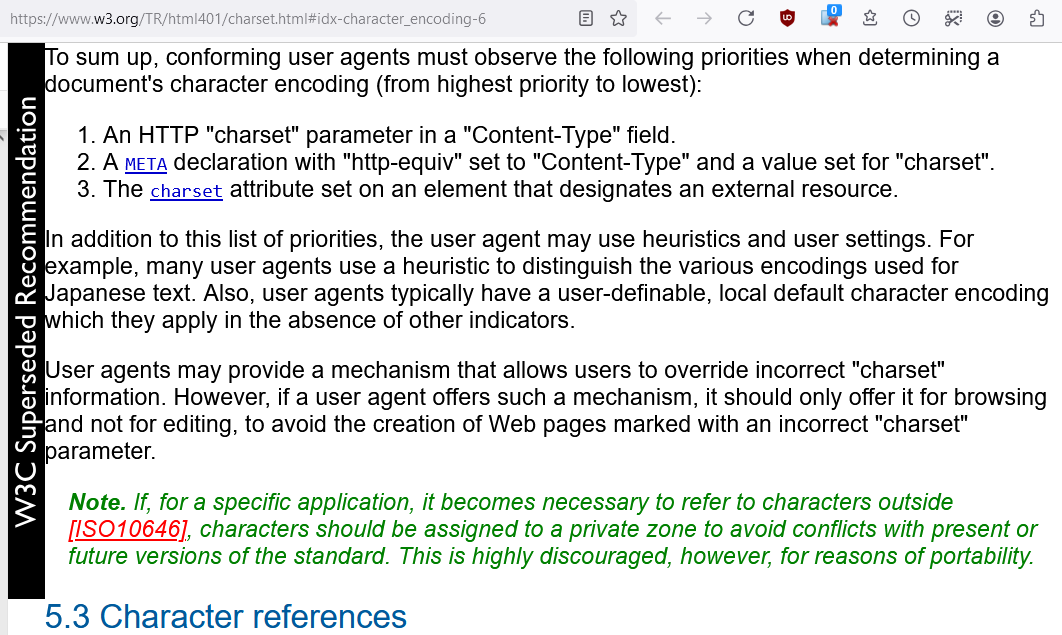
A encoding specification must came from one of:
- The header line in HTTP Protocol.
- The
metatag in html file. If none found, the browser makes a guess.
Reference
HTML 4 Default Charset, Encoding, and Declaration
How User Agent should determine the character encoding