Emacs: Toggle Monospace/Proportional Font
- Alt+x
variable-pitch-mode - Toggle between monospace and proportional font, in current buffer.
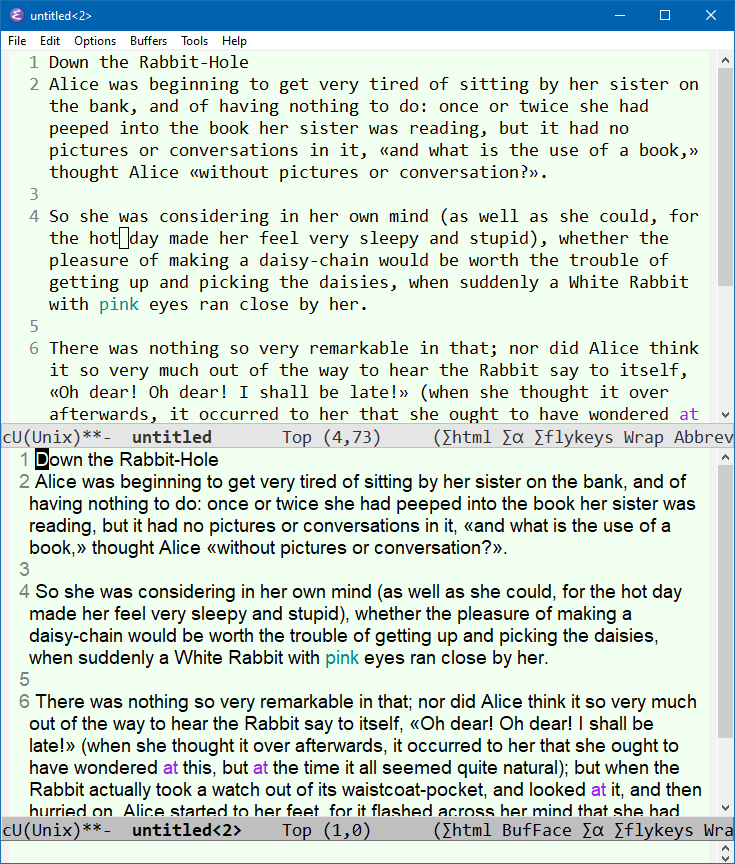
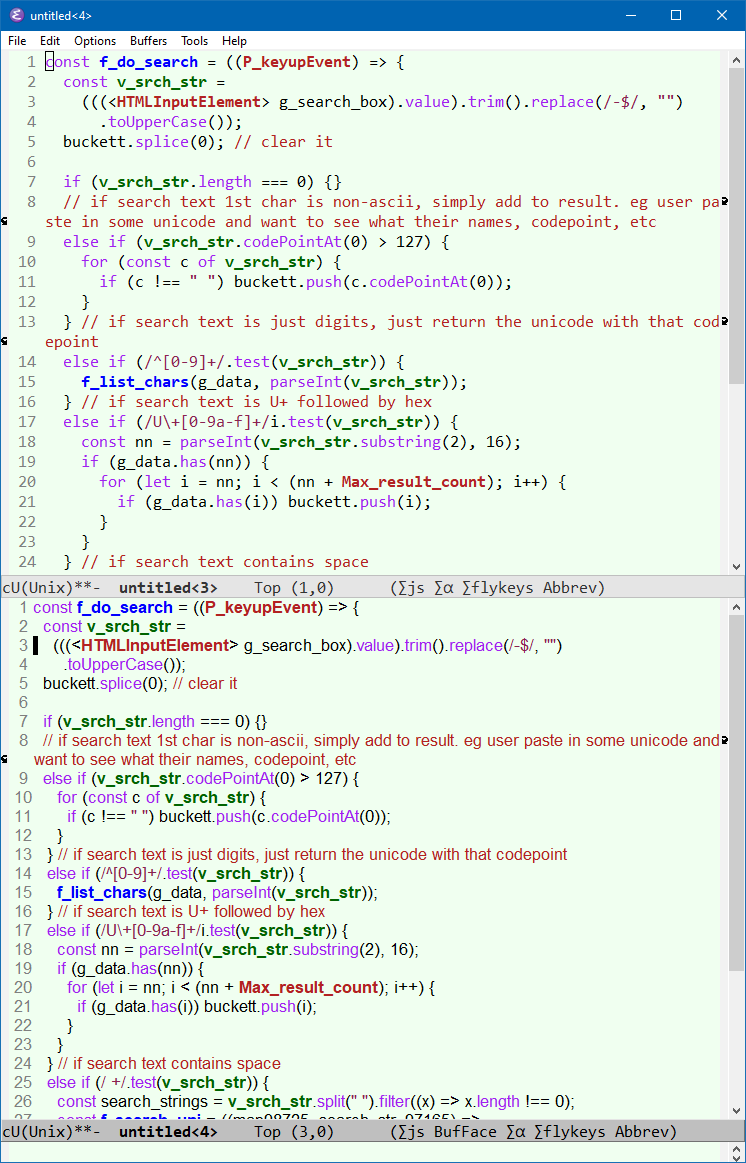
Proportional font is useful for reading info doc, email, etc. Proportional font is easier to read, and shows 20 or more characters per line. It also works great for coding too (except Python). Try it. You may be surprised.
2010-12-01 Thanks to Oscar Carlsson for suggesting variable-pitch-mode.
Emacs Font Setup
- Emacs: Change Font Size
- Emacs: Change Default Font Size by Command, for Current Session 🚀
- Emacs: describe-char, Char Name, Cursor Position
- Emacs: Toggle Monospace/Proportional Font
- Best Unicode Fonts for Programer
- Emacs: Cycle Fonts by Command 🚀
- Emacs Init: Setup Font
- Emacs Init: Font for Unicode Symbols
- Emacs Init: Font for Emoji
- Emacs Init: Font for Chinese
- Emacs Init: Variable Pitch Mode (Proportional Font)
- Emacs Init: Modify Default Face (Font)
- Emacs Init: Display Lambda as λ