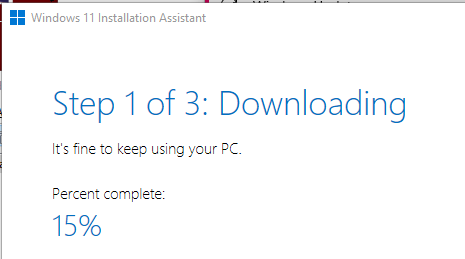
Windows 10 Expire Pain. Update to Windows 11 (2025-12)
windows 10 expire
- need to think about installing mint linux
- the faaking win10 expire
- or, need to reboot turn on TPM (Trusted Platform Module), i think it's there, and goto win11
- need to first do backup
- faaking all these problems
- so, backup first. takes 1 hour
- then, check my machine about how to boot to bio or eff something.
- check if there's TPM chip something.
- if so, maybe turn it on.
- before doing this, of course, need about 30 min to 1 hour read n reread about the TPM chip something. asking ai.
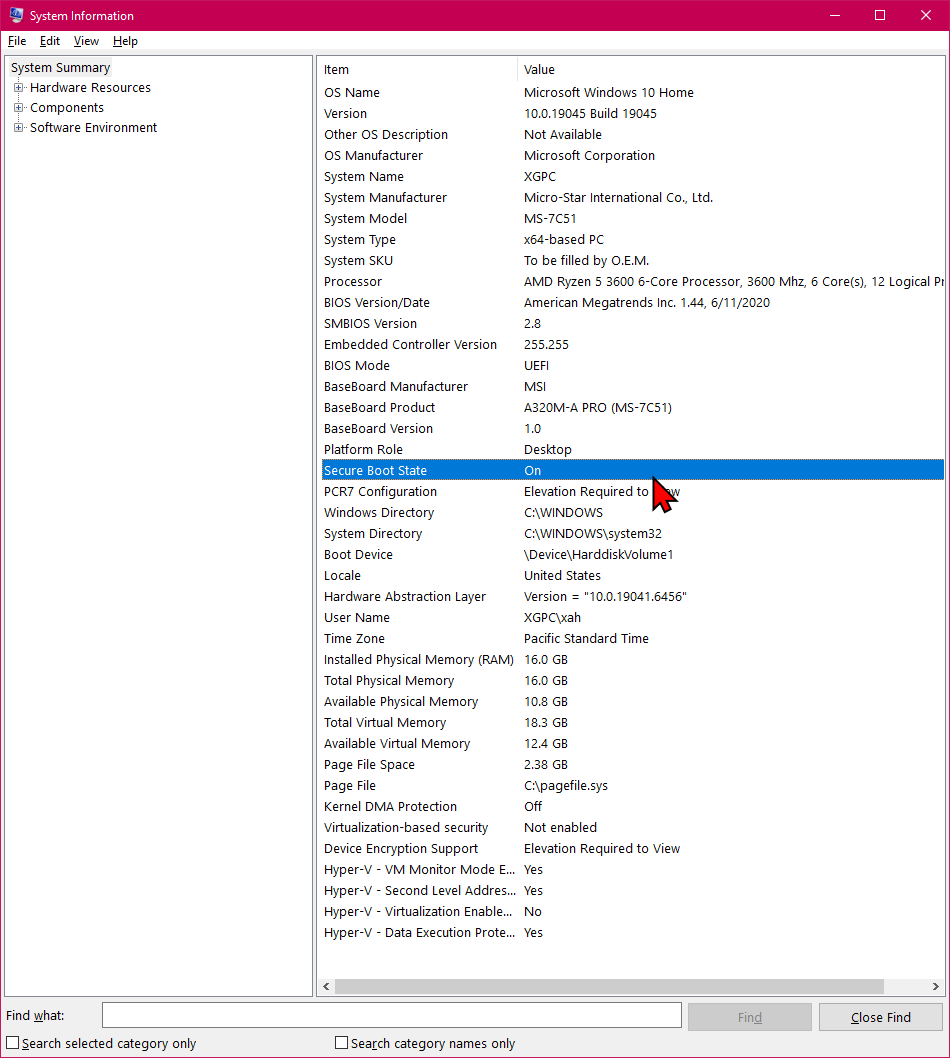
- also, Secure Boot must be on.
- so, if my machine has the chip, then, i have 2 options.
- upgrade to win11, or switch to linux.
- upgrade to win11 is the easy path.
- switch to linux would be painful. basically takes whole day, in fact several days to a week.
- because u need to move all files into linux, make sure they all work as is. install many apps and programing langs and tools.
- and also have to make sure the wifi hardware works, the gpu works.
- if any of these step has an issue, it's gonna be few hours pain asking ai to findout workaround, if any.
- -----------
- 3rd option, is to switch to mac. this means, basically i need to buy a new mac. the mac mini.
- but the whole switch process would be much easier.
- ----------
- 4th option, is just stay win10 as is. but that won't last long, due to virus etc.
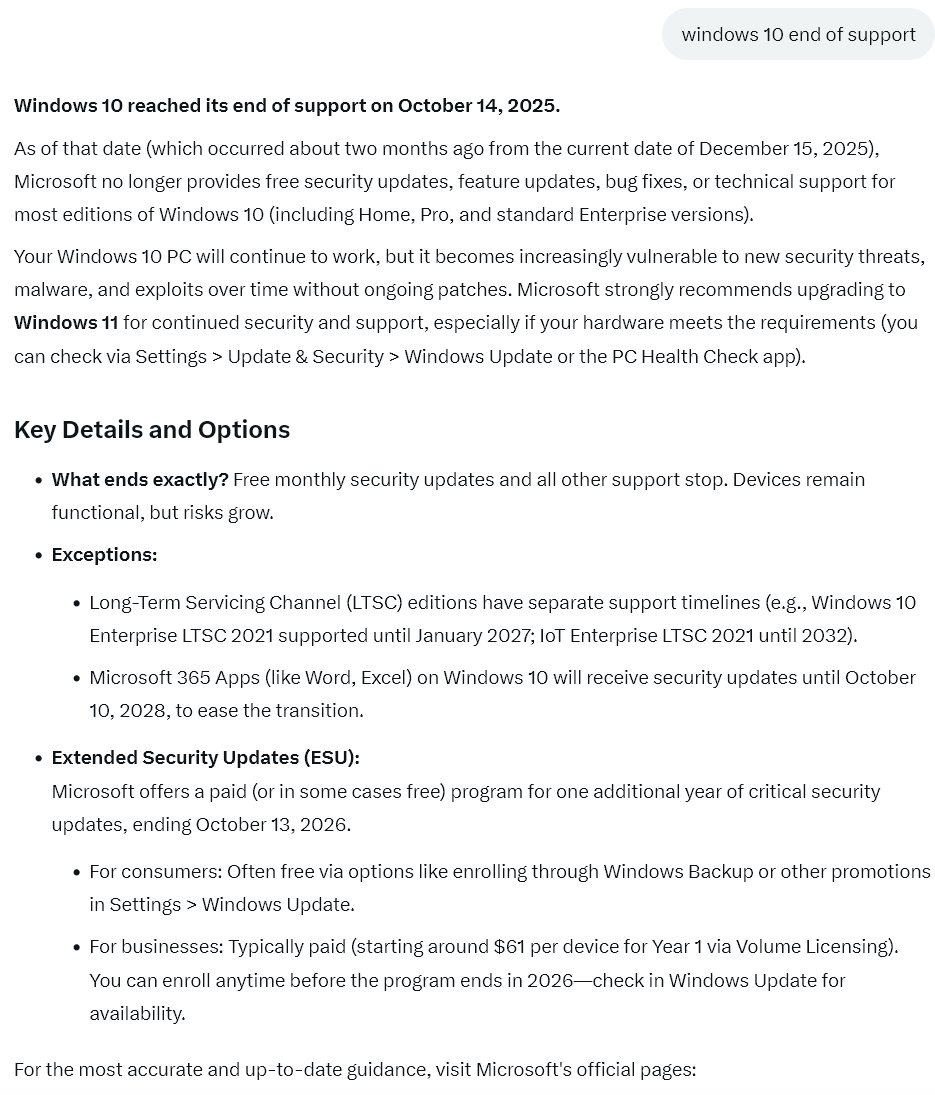
Windows 10 end of support
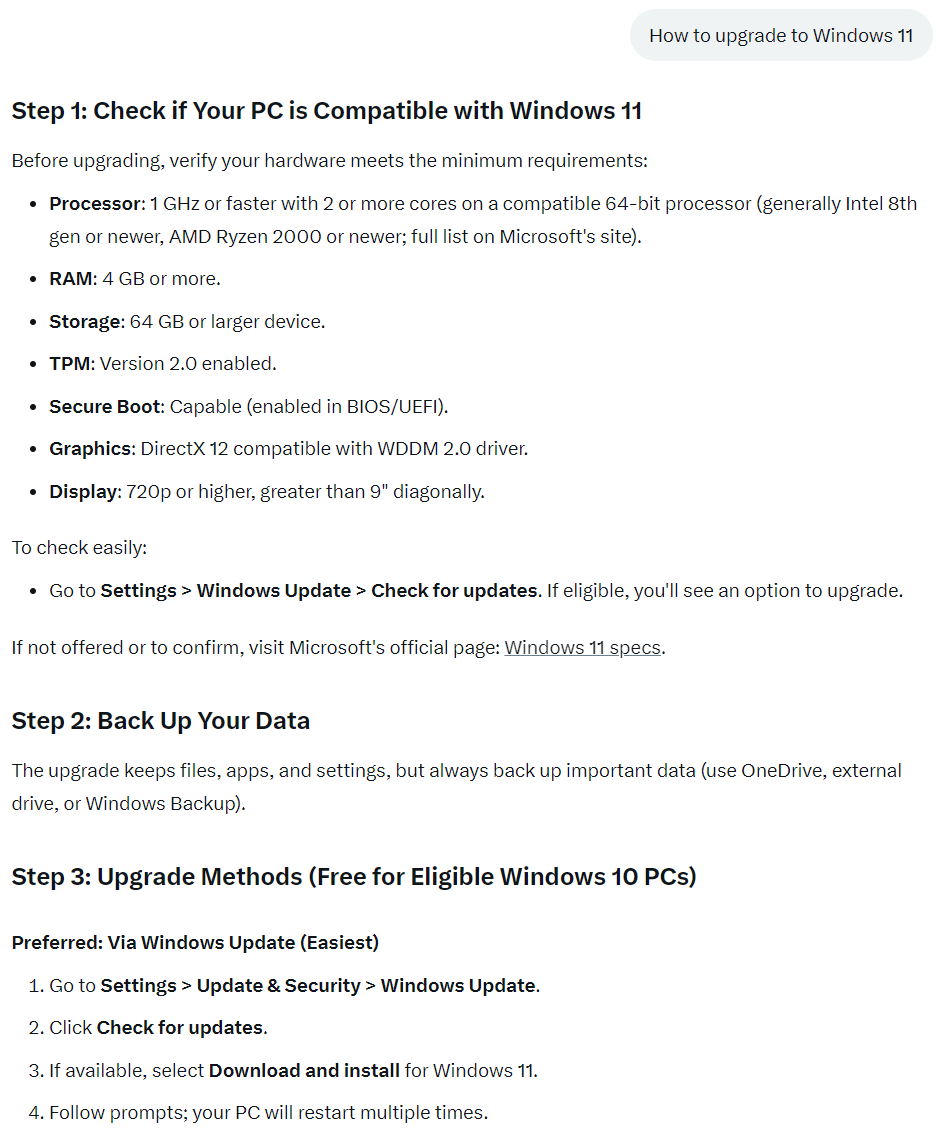
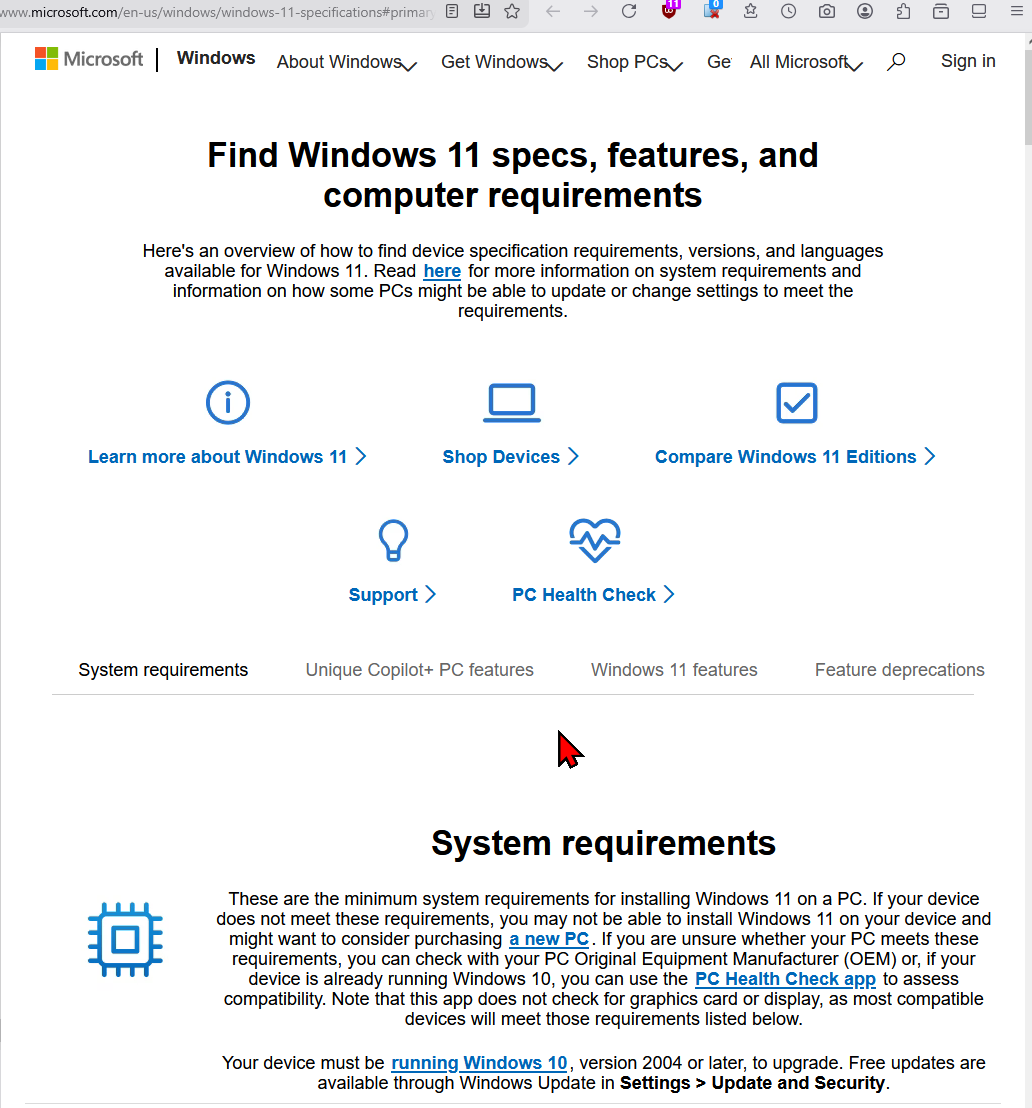
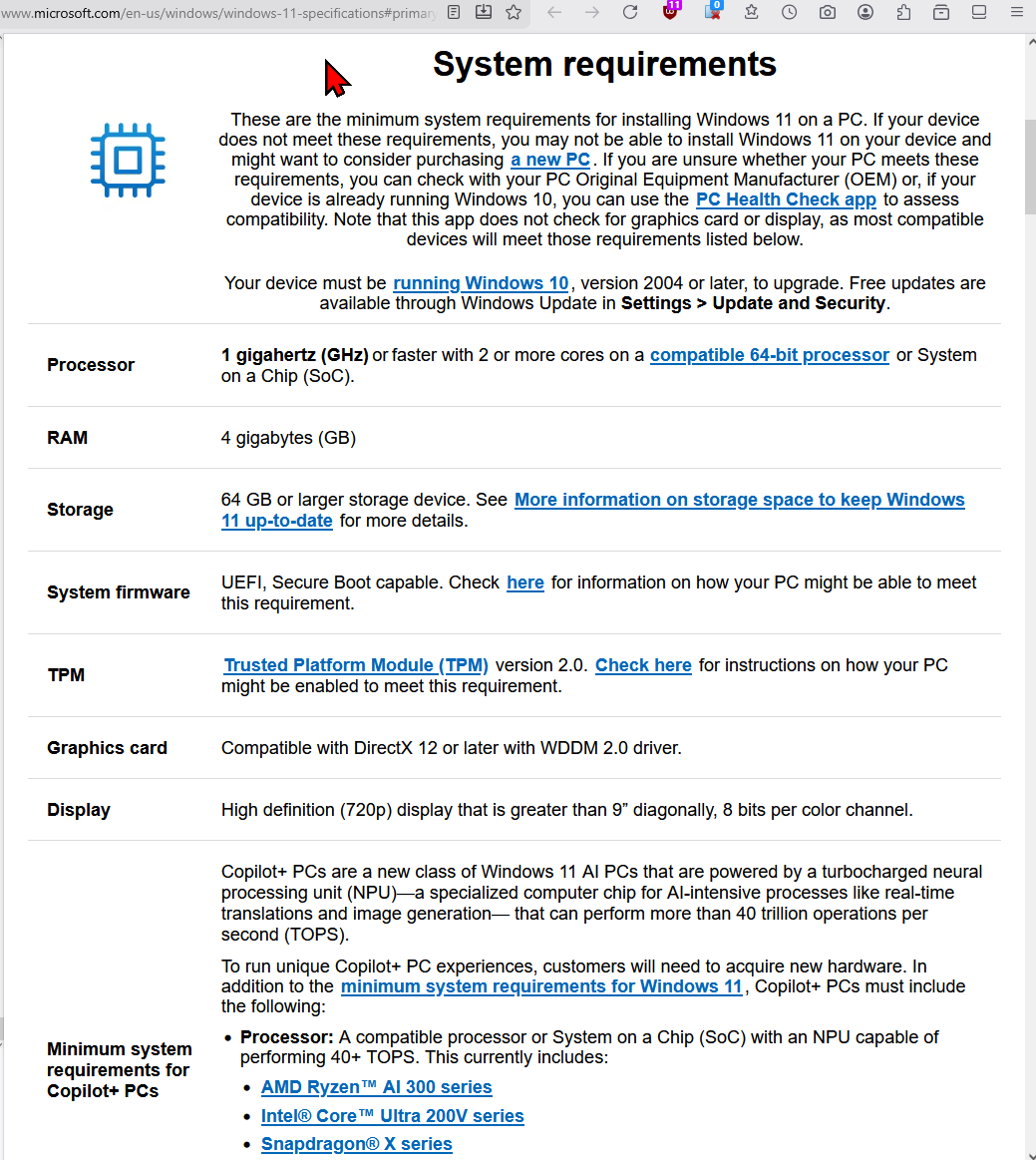
Windows 11 Requirements
How to boot to bios on this machine Codex Z ASI-018US
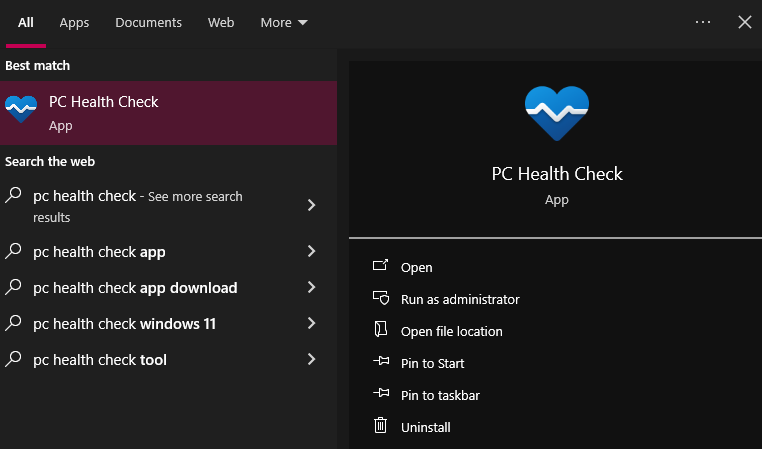
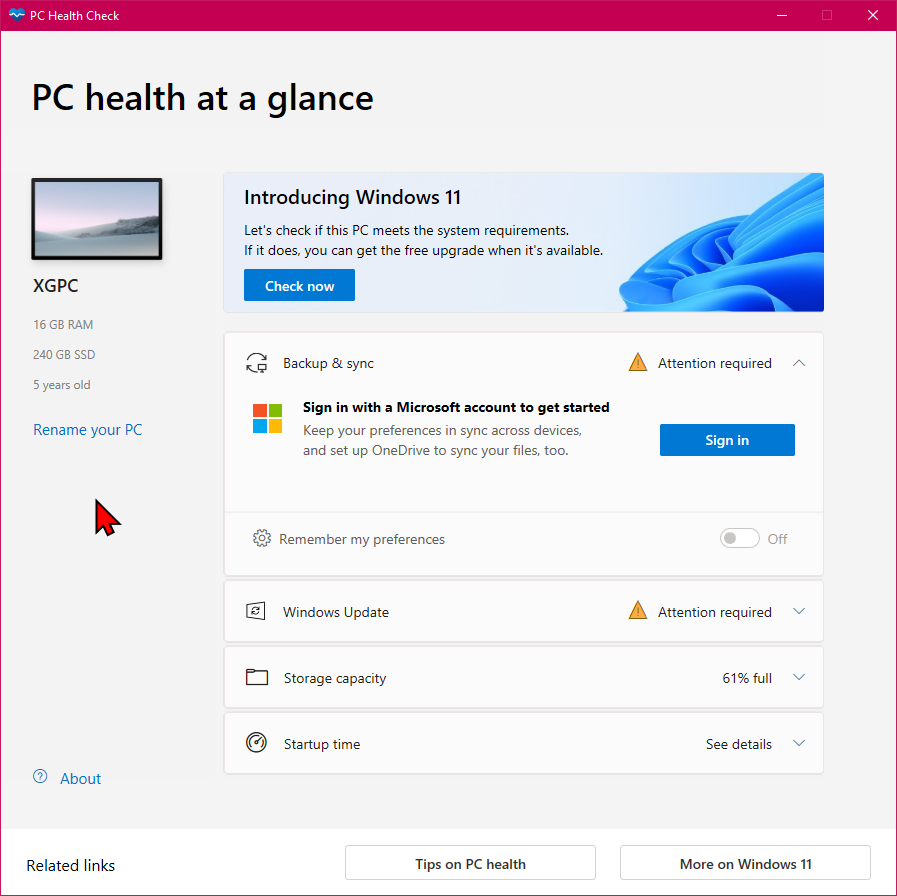
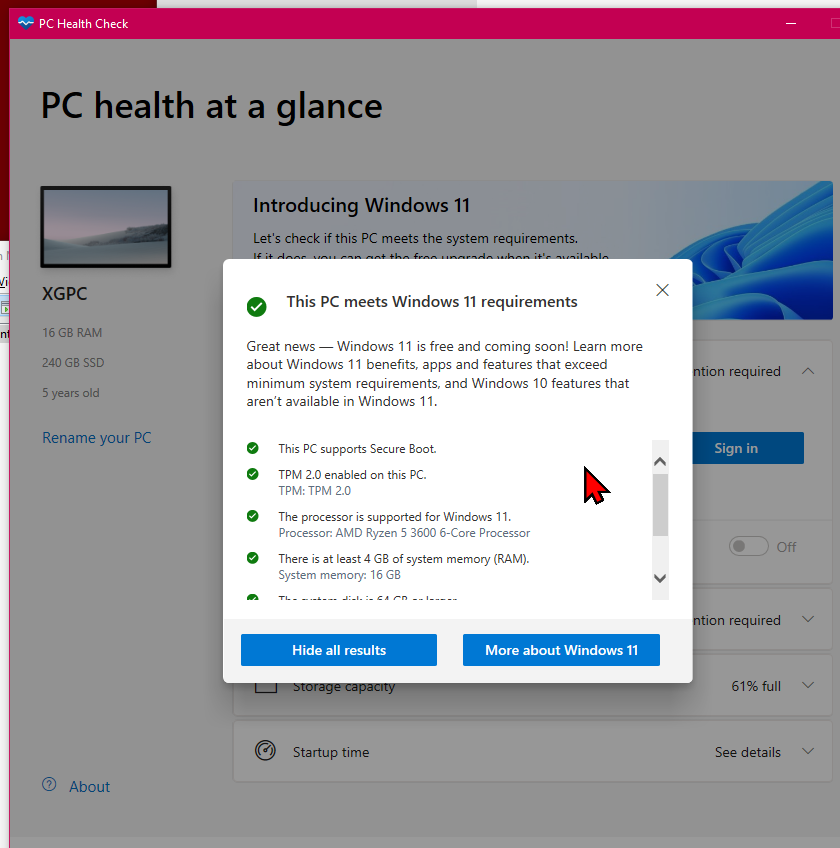
PC Health Check (For Checking Microsoft Windows 11 Requirement)
🪟 Windows+s then type “PC Health”
if not there, download it from the web.
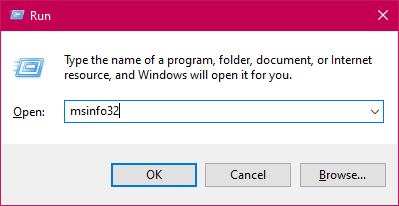
msinfo32 (Microsoft Windows system info)
You can find if your System BIOS mode is using UEFI, and Secure Boot State.
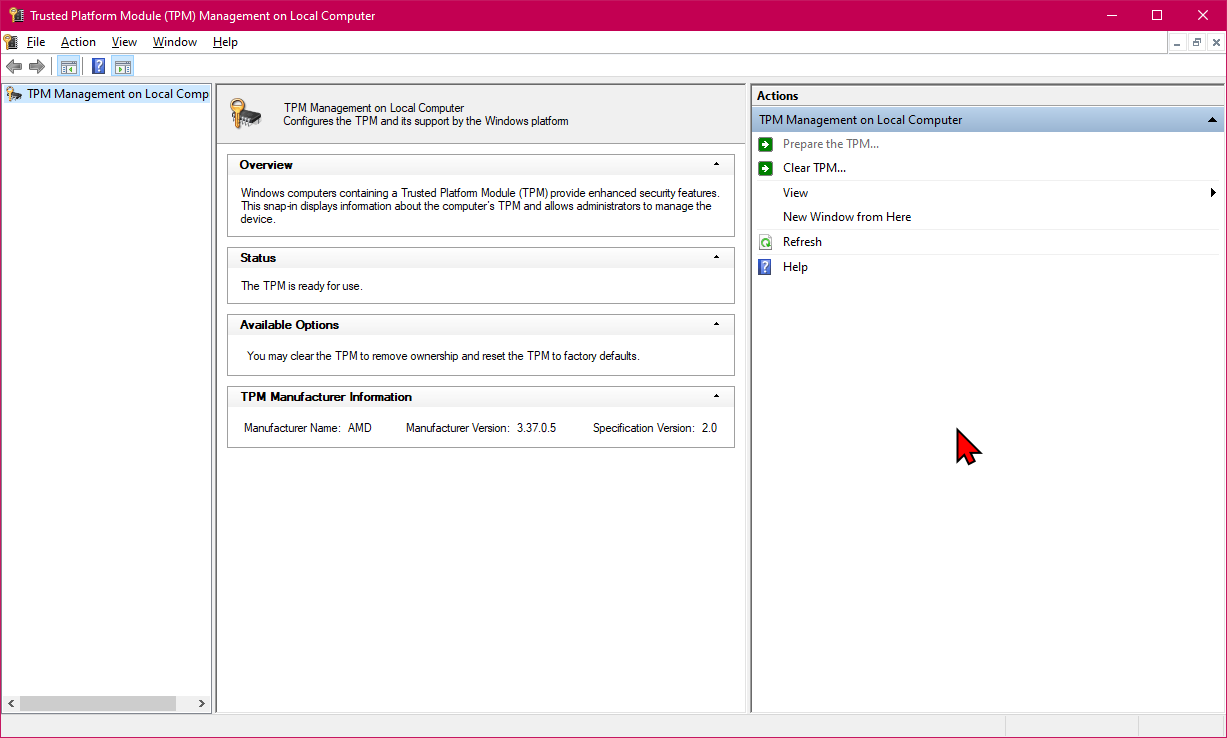
TPM (Trusted Platform Module)
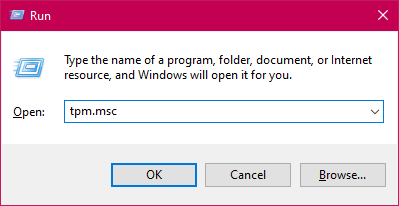
how do i find out if my machine has TPM
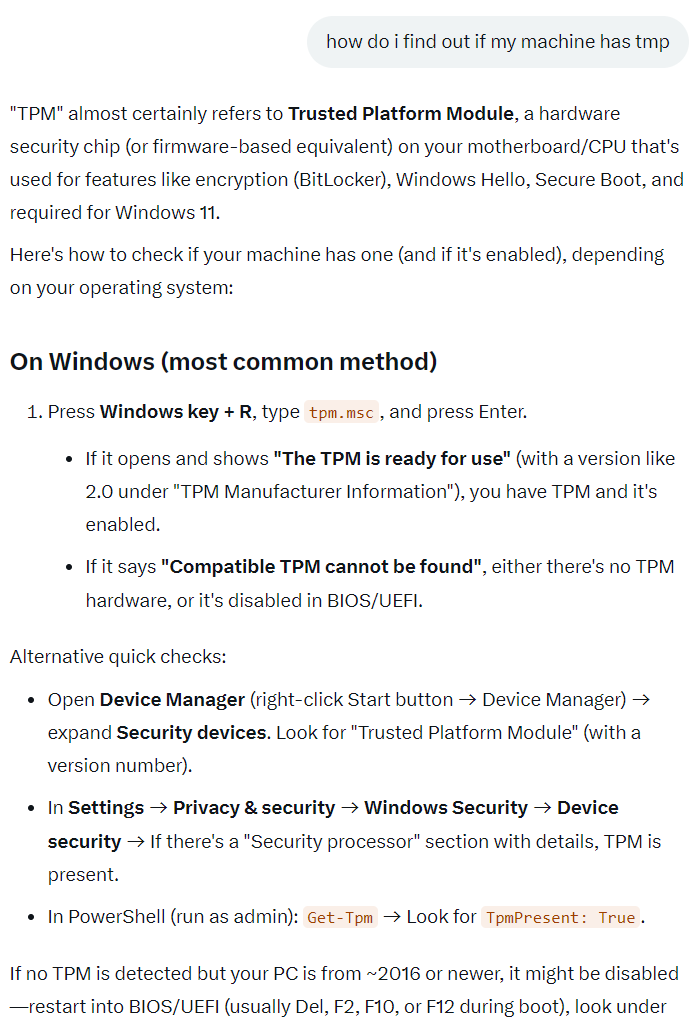
- does this machine has TPM. Codex Z ASI-018US Gaming Desktop Spec. Manufacturer Part #: CodexZASI018US
- https://x.com/i/grok/share/7LXr8OZuU7xDeHy3PvMSfzvHS
- If i turn on TPM in bios or uefi, would it make some of my app not work
- https://x.com/i/grok/share/j7yjSIPKcHXifS0L1Ge61XfHw
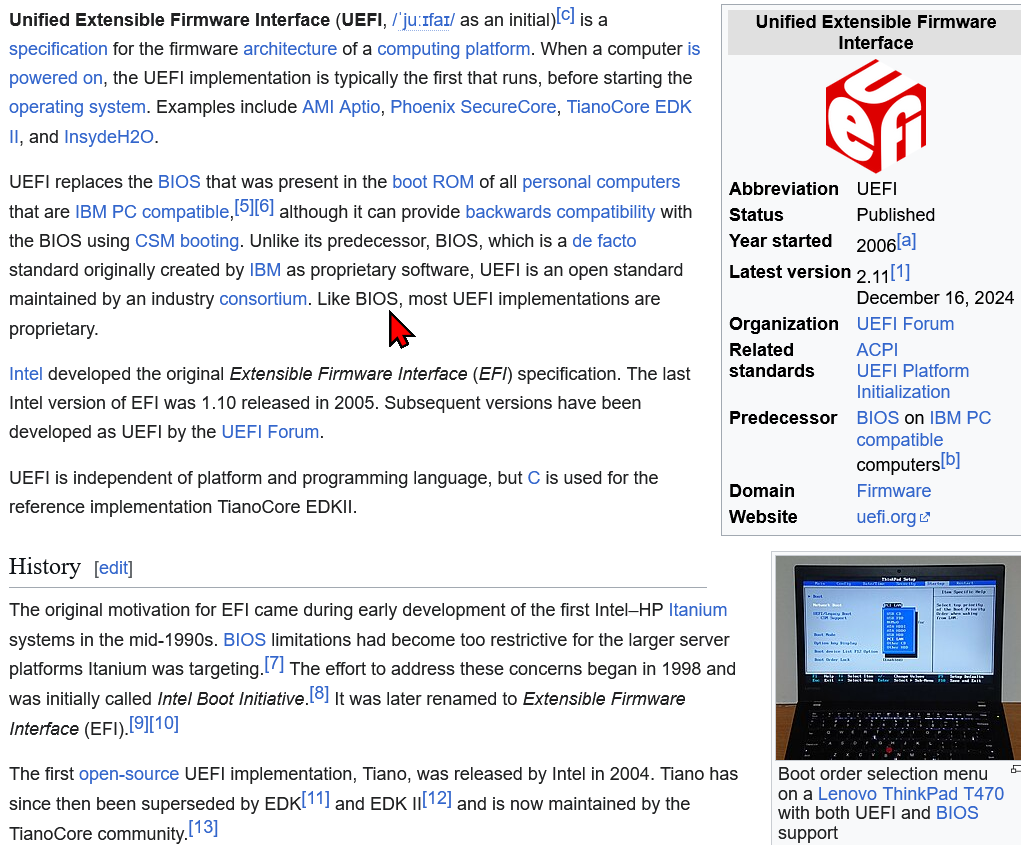
UEFI
Secure Boot
What is Secure Boot
- Secure Boot is a security feature built into modern UEFI firmware that ensures only trusted, digitally signed software can execute during the boot process.
- It works by verifying the digital signatures of bootloaders, system files, and kernel modules before allowing them to run, thereby preventing unauthorized or malicious code, such as rootkits, from gaining control of the system before the operating system starts.
- This creates a "chain of trust" where each component verifies the next, starting from the firmware and extending through the bootloader to the operating system.
- Secure Boot is supported by major operating systems including Windows and Linux, and while it enhances security, it can sometimes require additional steps—like adding custom keys—to run unsigned software or certain drivers.
AI-generated answer. Please verify critical facts.
How to Check If Secure Boot is Enabled
- how to check if Secure Boot is enabled
- https://x.com/i/grok/share/boK6ZhrKgJgypOOoQ5uTdp441
Press Win + R, type msinfo32, and press Enter.
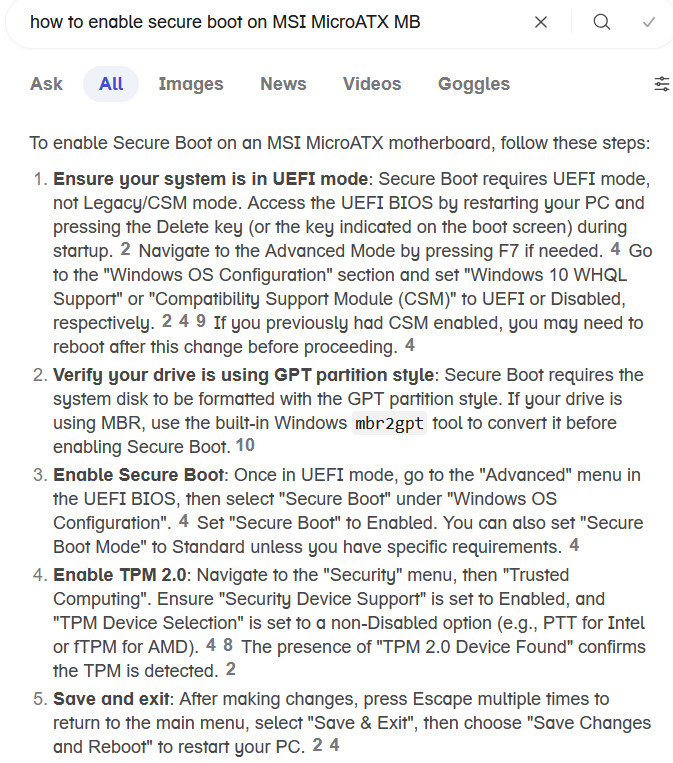
How to turn on secure boot on MSI MicroATX Motherboard
- what's the effect of Secure Boot on windows
- https://x.com/i/grok/share/brQiJdUAg8RI95leFzaW7vHzK
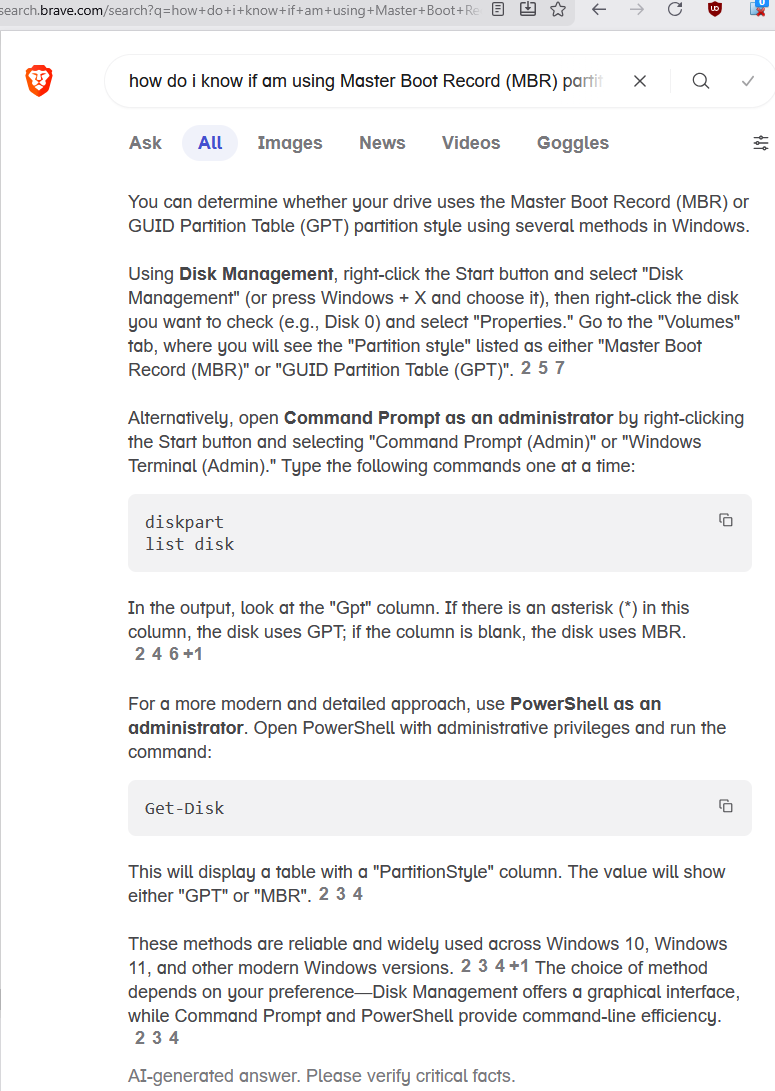
Master Boot Record (MBR) or GUID Partition Table (GPT) partition style
How to upgrade windows 10 to 11
- how to upgrade windows 10 to 11. The Windows Update says your version of windows has reached end of support.
- https://x.com/i/grok/share/QLmsBr8iaffdt7lwTdPEYZdn0
2. Use the Windows 11 Installation Assistant (easiest)Go to the official Microsoft download page: https://www.microsoft.com/en-us/software-download/windows11 Under “Windows 11 Installation Assistant”, click “Download Now”