npm tutorial
What is npm?
- npm is software repository for JavaScript code.
npmis a command-line tool to manage JavaScript/TypeScript packages.
npm is bundled with Node.js.
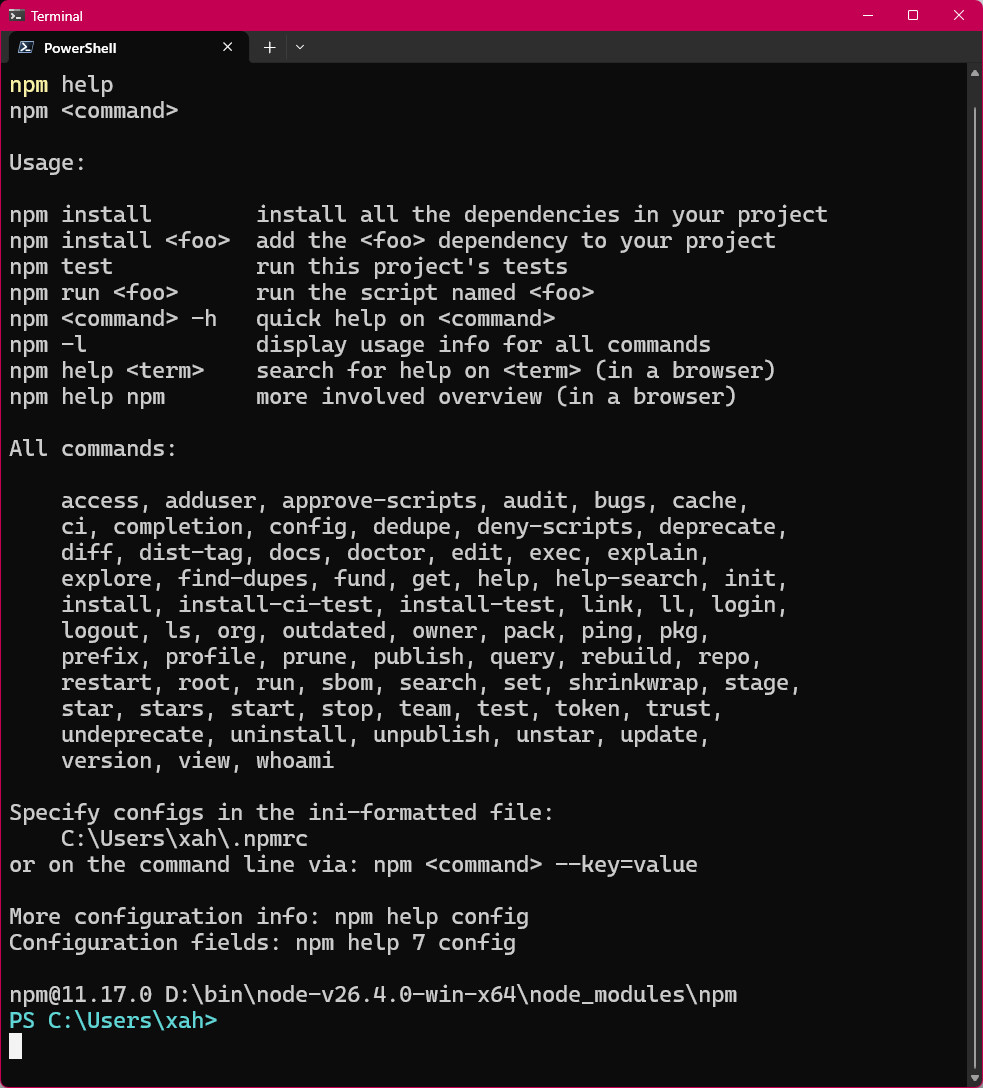
npm help
npm help
install node.js
download at https://nodejs.org
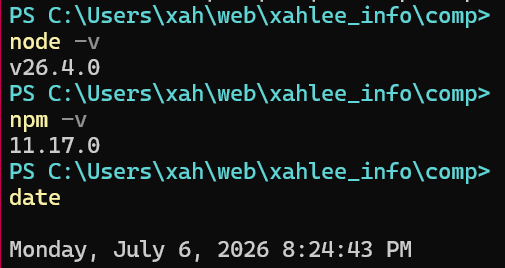
Verify installation:
node -v

npm -v
Create project
mkdir xxx
cd xxx

# Initialize a new project (creates package.json)
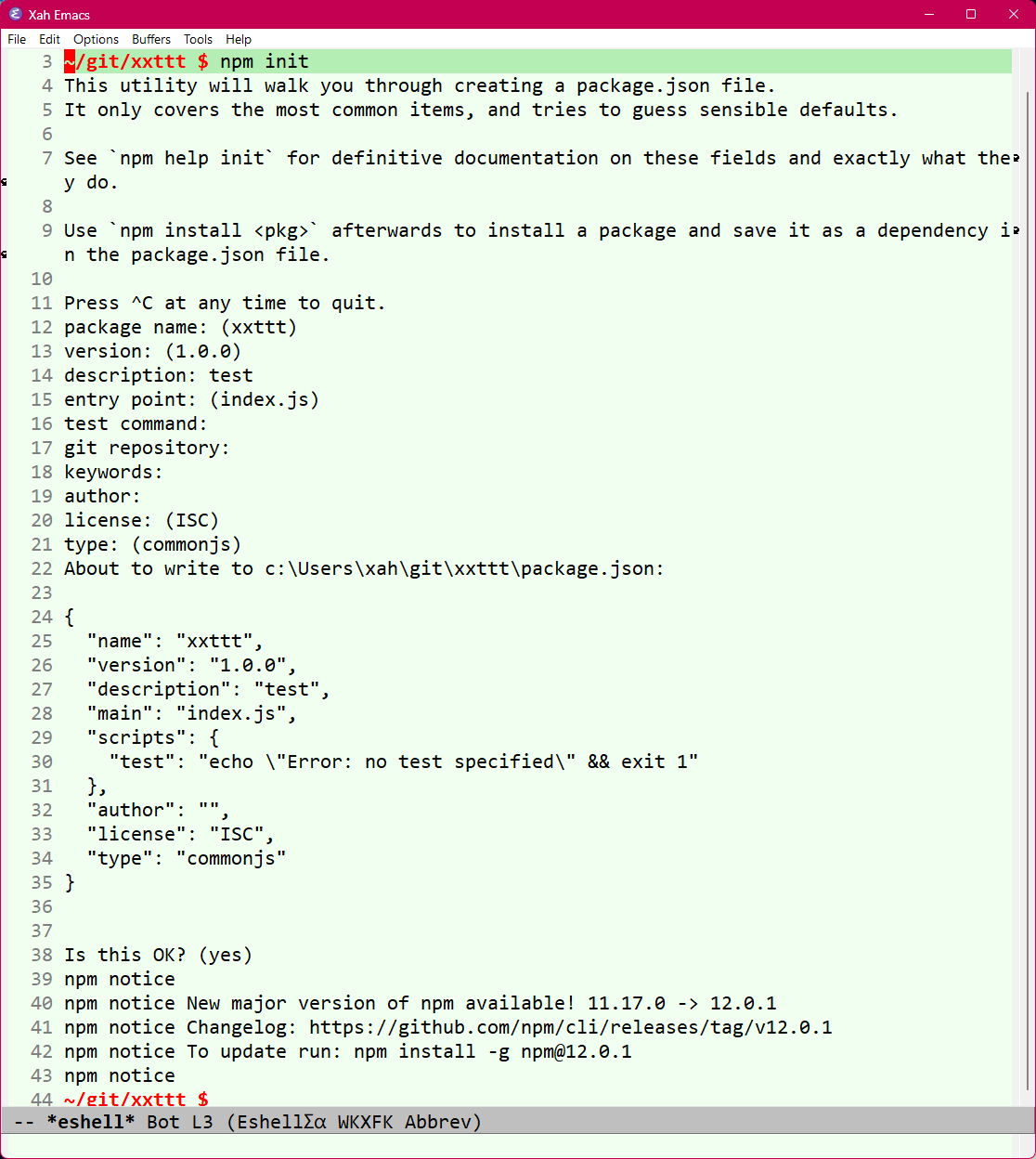
npm init

# or
npm init -y
# -y means don't ask questions
package json
installing packages
Install dependency
npm install express
Local packages are installed in node_modules dir of current dir.
Save as devDependency (only for development)
npm install --save-dev nodemon typescript
Install a specific version
npm i lodash@4.17.21
Install package globally (CLI tools)
npm install -g create-vite
npm global module location
# show npm global install dir
npm root -g
usually
- Windows:
%AppData%/npm/node_modules(often~/AppData/Roaming/npm/node_modules) - macOS/Linux:
/usr/local/lib/node_modules(or a user-specific path like~/.nvm/versions/node/<version>/lib/node_modulesif using nvm)
npm scripts
Edit the "scripts" section in package.json:
{
  "scripts": {
    "start": "node index.js",
    "dev": "nodemon index.js",
    "build": "tsc",
    "test": "jest",
    "lint": "eslint .",
    "format": "prettier --write \"**/*.{js,ts}\""
  }
}
Run them with:
npm start
npm run dev        # use "run" for custom scripts
npm test
common commands cheat sheet
# Install all dependencies in a project
npm install
# or
npm i

# Update packages
npm update

# Check for outdated packages
npm outdated

# Uninstall a package
npm uninstall express
npm rm express

# Clean install (fixes weird issues)
rm -rf node_modules package-lock.json
npm install

# View global packages
npm list -g --depth=0
package-lock.json
package-lock.json is an auto-generated file in Node.js projects that locks the exact versions of all installed dependencies and their sub-dependencies to ensure consistent and reproducible builds across different environments.
Introduced in npm version 5, it acts as a deterministic snapshot of the dependency tree, recording specific version numbers, resolved URLs, and integrity hashes for every package.
While package.json defines the project's metadata and allows flexible version ranges (e.g., ^1.2.0), package-lock.json overrides this flexibility by specifying the precise versions installed, preventing "it works on my machine" issues and unexpected breaking changes from upstream updates.
It is automatically generated whenever npm install is run or dependencies are modified, and it is recommended to commit it to version control so that all developers and CI/CD systems install the identical set of dependencies.