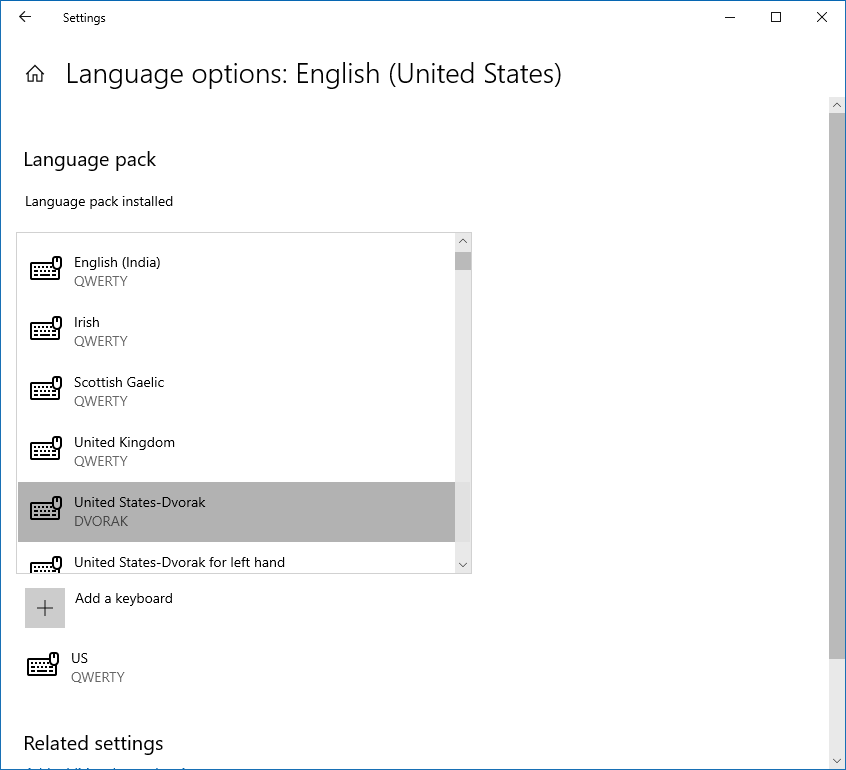
Windows: Add Dvorak Keyboard Layout
Windows 10
Here is how to add Dvorak keyboard layout on Windows 10.
Press 🪟 Windows+s, type “language”, to open the settings for language.
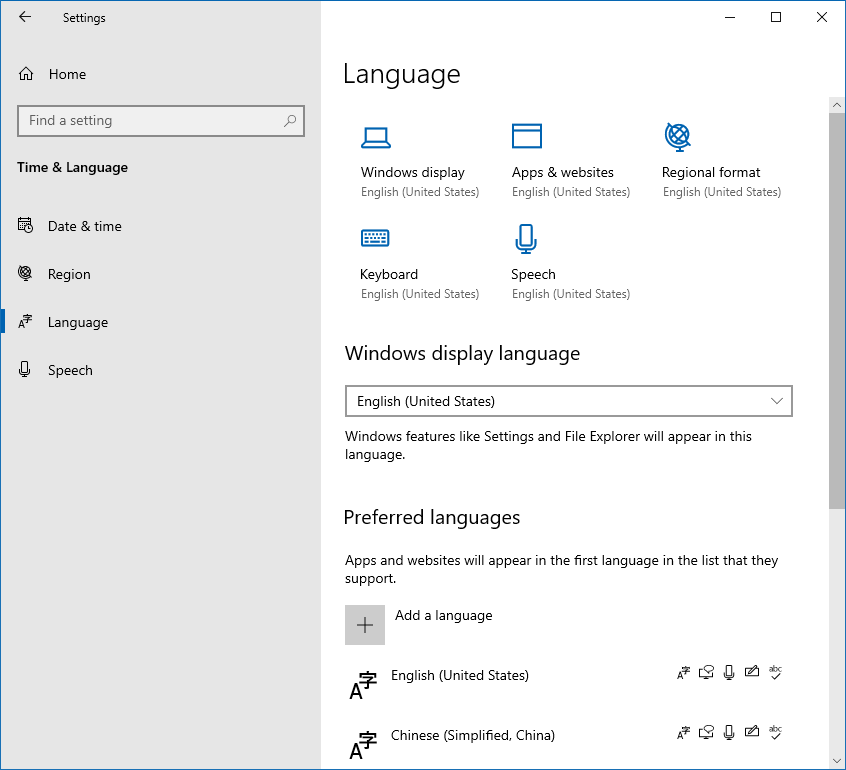
Click on the “English (United States)”. You'll see the following option button.
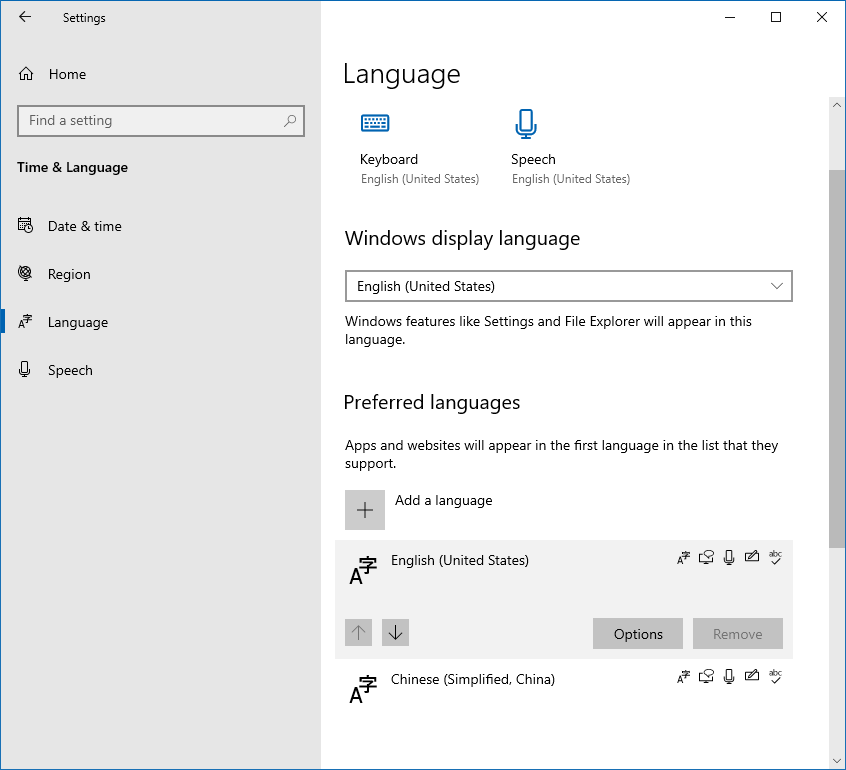
Click on the “Options” button. You'll see the following:
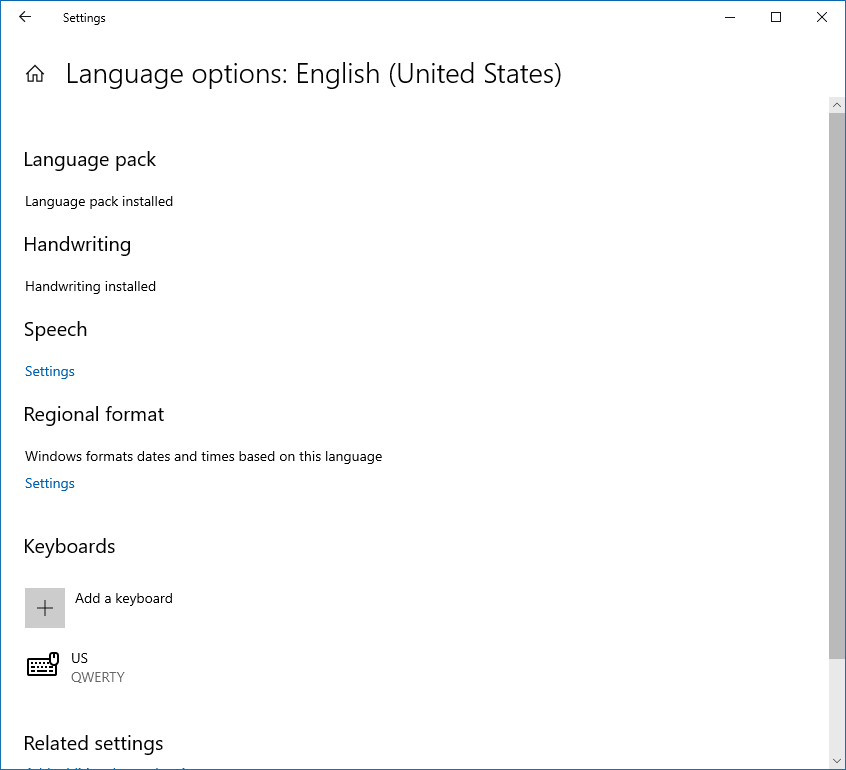
Click on the “Add a keyboard” square.