Windows: Key to Switch Language Input System
Key to Switch Language Input System
🪟 Windows+Space to switch languages.
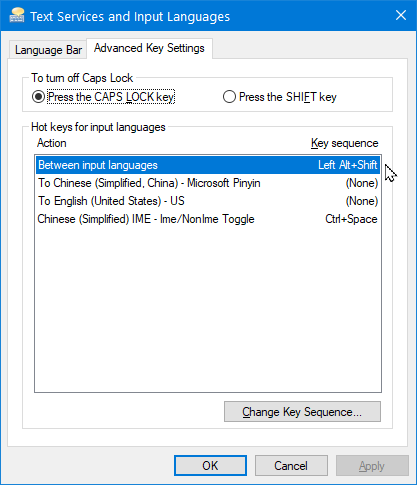
If you have lots languages, you can customize keys.
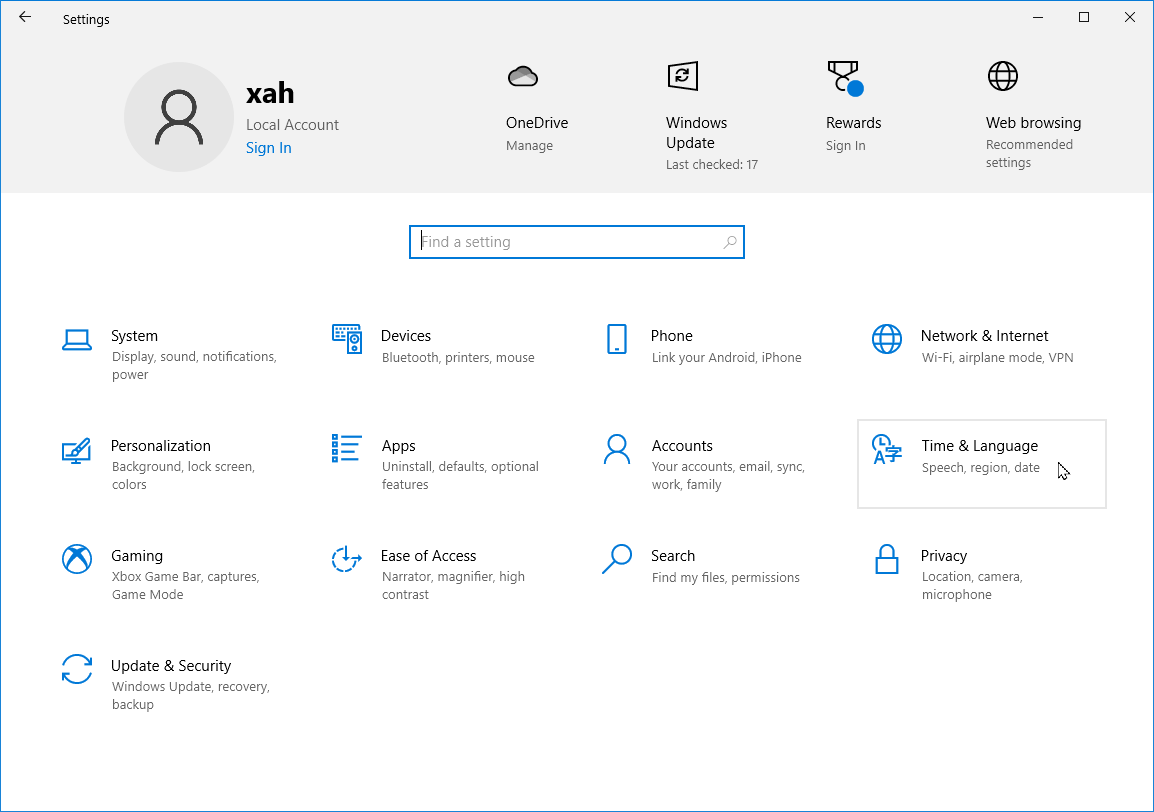
🪟 Windows+i to open Windows Settings. Then, click “Time and Language”.
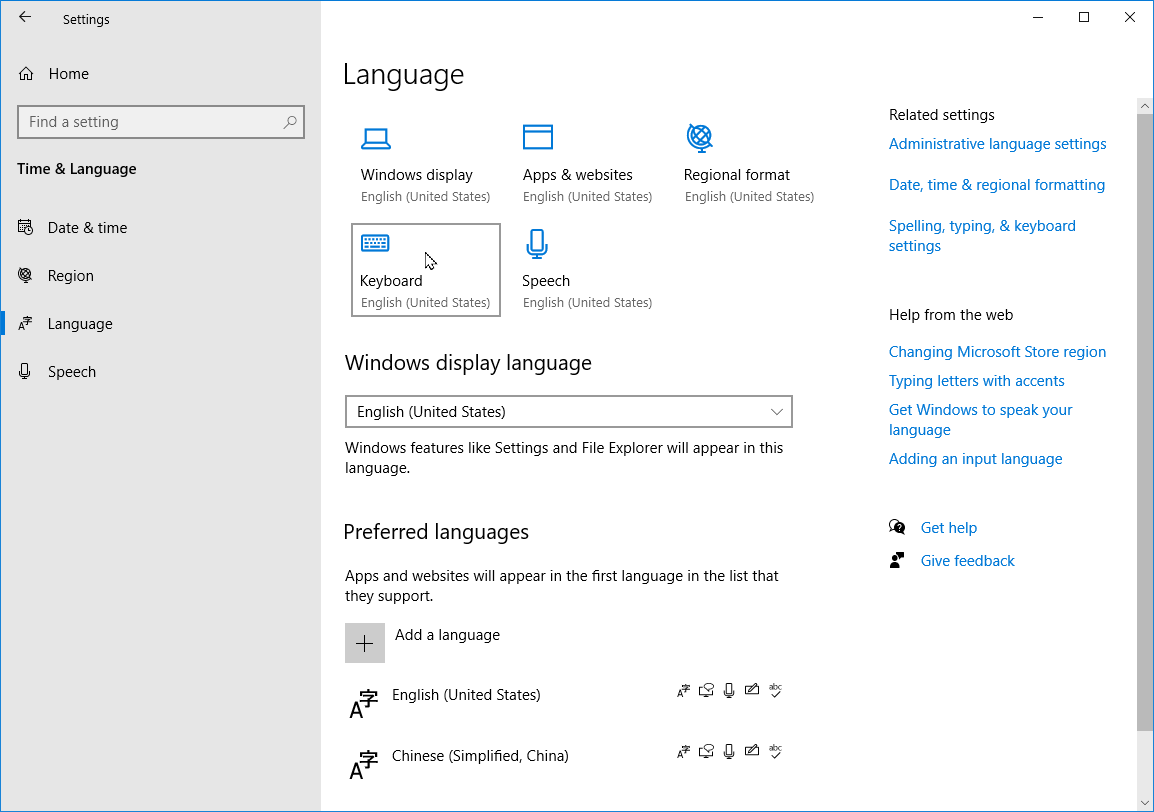
Click “Keyboard”
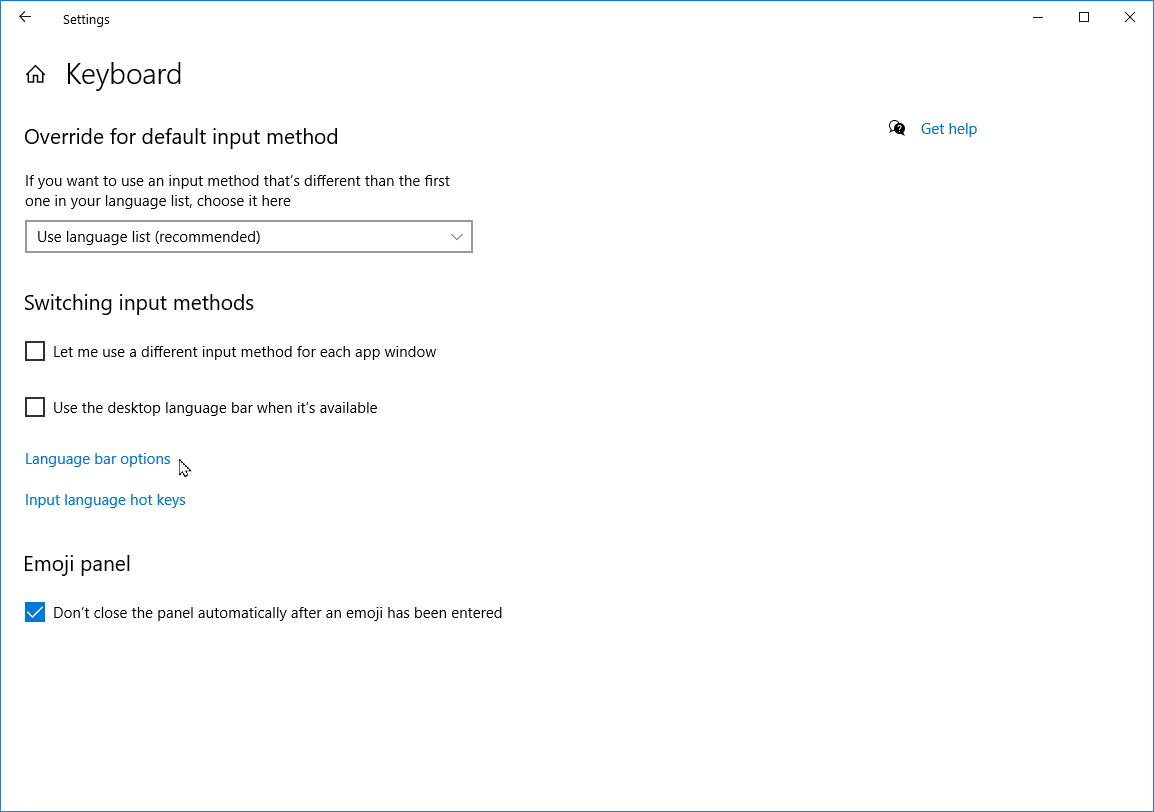
Click on “Input language hot keys”.