Google Earth Mouse Navigation and Keys (2011)
This page explains Google Earth's mouse and navigation keys.
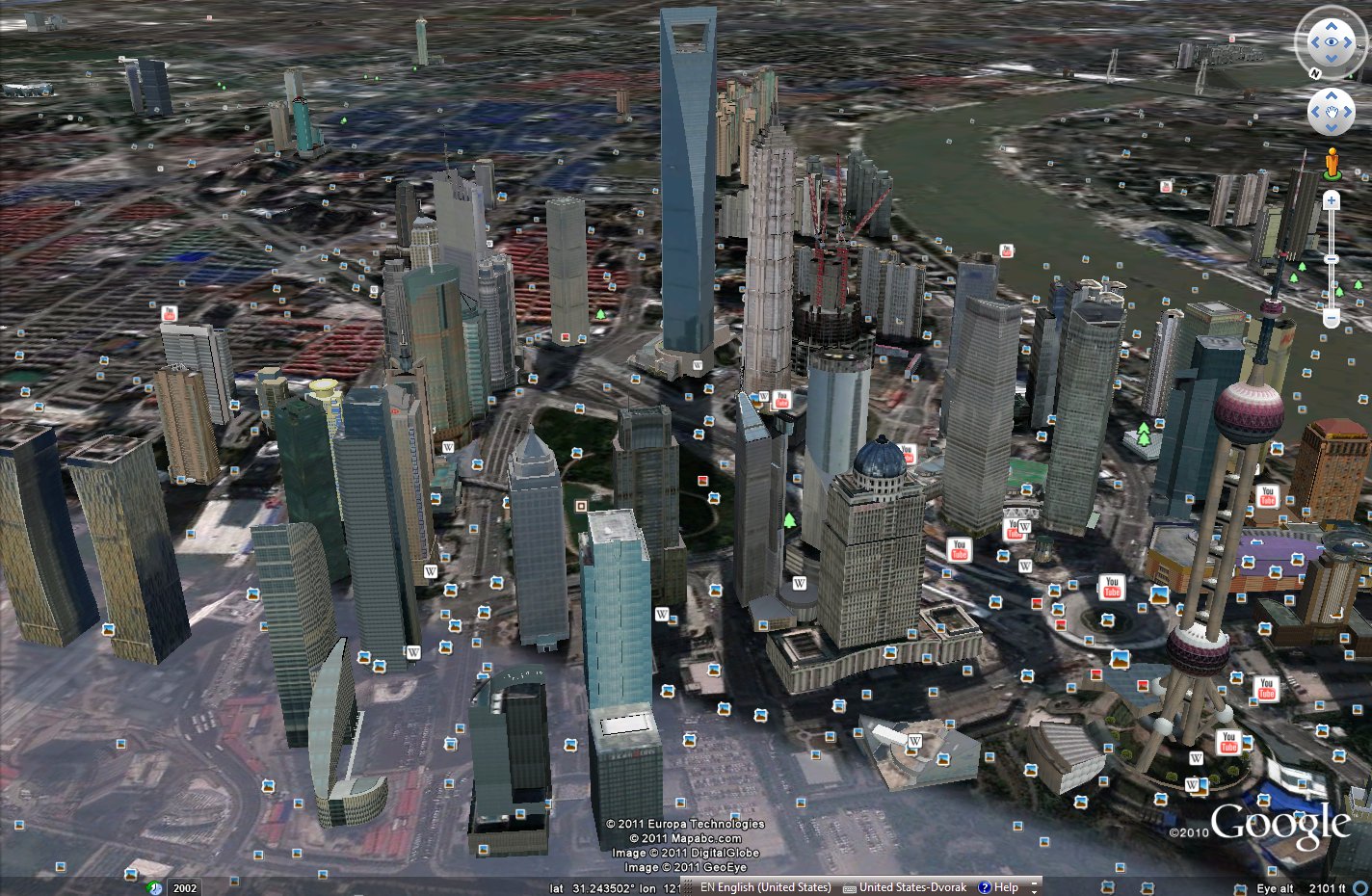
Mouse Navigation
- Mouse Wheel = zoom
- Left Mouse Button = pan
- Middle Mouse Button = move left/right = rotate; move up/down = tilt
- Right mouse button = smart zoom/rotate/tilt. (move up/down = zoom; move left/right = rotate; when close to the ground = auto tilt)
By Keyboard
- Zoom = PgUp, PgDn
- Pan = ←, →, ↑, ↓
- Rotate = Shift+←, Shift+→
- Tilt = Shift+↑, Shift+↓
Holding down Alt before doing the above will make the steps smaller.
Extra for Control Freaks
- tilt camera = Ctrl+↑ and Ctrl+↑
- rotate camera = Ctrl+← and Ctrl+→ (camera is rotated around a axis from earth center to your camera)