Why Fsharp PowerShell tutorials do not explain what is dotnet (2026)
dotnet language Intertwine, fsharp csharp PowerShell
Software engineering. Now, a question for those coding csharp or fsharp.
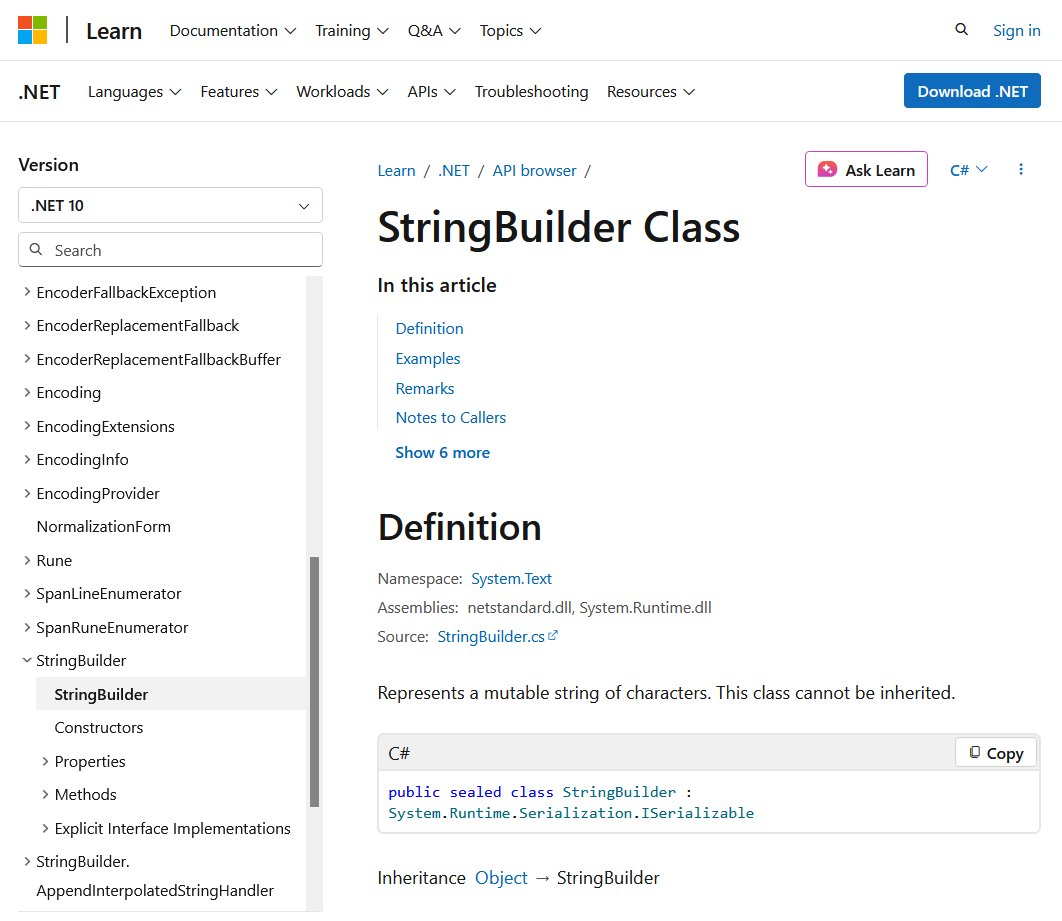
When you learn PowerShell or fsharp, very frequently it takes you to dotnet object docs. Now, what EXACTLY are the dotnet things? Are they basically just csharp?
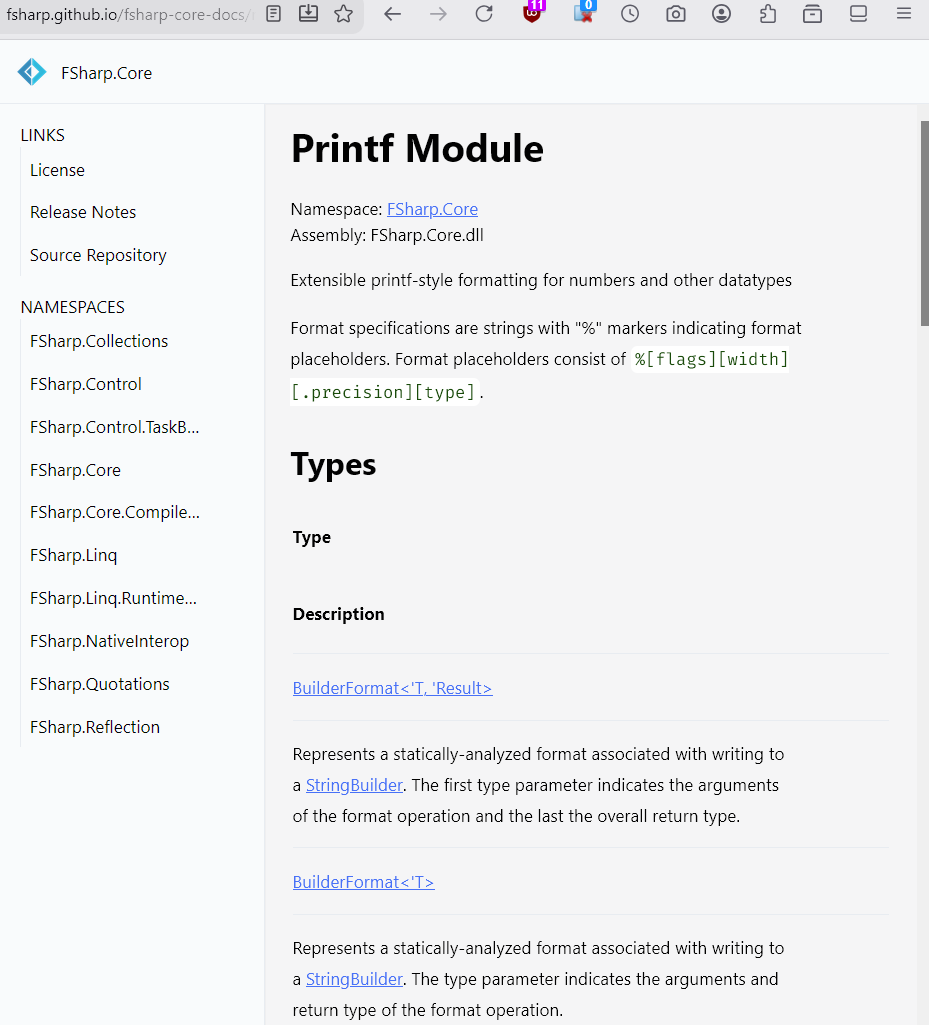
For example am learning fsharp, reading on printfn. basically i just want to look at all the possible %s %d etc placeholders. it takes you to a doc that talks about StringBuilder class or TextWriter class.
yes, i know it's a class of object oriented programing from dotnet, which is the engine that fsharp and PowerShell rides on.
but what exactly is it? is it simply just classes defined in the csharp language spec?
can i get a overview of the dotnet things that fsharp and PowerShell refers to in their doc?
or, does that simply mean learning csharp?
am i correct, that if you know about csharp, you wouldn't have the questions above?
also, neither StringBuilder class or TextWriter class mentions %s %d etc.
very confusing.
after a while, i went to a page on “printf format”,
PrintfFormat<'Printer, 'State, 'Residue, 'Result>
not there neither.
any other lang, if you lookup printf, you get docs on the %s %d placeholders right away. in perl, php, emacs lisp, python, golang.
- very annoying with dotnet based languages, e.g. PowerShell and fsharp, because when you lookup doc, it takes you to a foreign land of dotnet objects, with language examples of csharp i no give a flying fuck about.
- so, if you are learning fsharp, you kinda have to learn csharp.
- similar shit happens with clojure with java.
- been coding PowerShell casually for 5 years. i still don't get what exactly the dotnet stuff is.
- PowerShell Complexity (2019)
dotnet and PowerShell, Fsharp
Software engineering. Now, a question for those coding csharp or fsharp. When you learn PowerShell or fsharp, very frequently it takes you to dotnet object docs. Now, what EXACTLY are the dotnet things? Are they basically just csharp? I dont think the PowerShell nor fsharp tutorial has a proper page that discuss the role of dotnet or intro about how the languages are hosted on dotnet.
ai answer
No, the .NET things are not “basically just C#.”
.NET (often written as “.NET” and pronounced “dot net”) is a developer platform / runtime + class libraries + tools. C#, F#, and PowerShell are languages (or a shell) that target that platform. They are hosted on .NET; they are not the same as .NET.
Core pieces of .NET
-
Common Language Runtime (CLR)
The execution engine (virtual machine-like). It handles:- Loading and running managed code
- Just-In-Time (JIT) compilation of Intermediate Language (IL) to native machine code
- Garbage collection / memory management
- Type safety, security, exception handling, threading, etc.
-
Base Class Library (BCL) / core libraries
The huge set of reusable types you keep landing in the docs (System.String,System.Collections.Generic.List<T>,System.IO.File,System.Net.Http.HttpClient, etc.).
These are the “.NET objects” you see everywhere. -
Compilers + SDK + tools
Compilers for the languages that turn source into IL assemblies. The modern unified product is simply called .NET (formerly .NET Core; the old Windows-only one is .NET Framework). -
Common Type System (CTS) + Common Language Specification (CLS)
Rules that let different languages share the same types and interoperate cleanly.
Source code in C#, F#, VB.NET, etc. is compiled to IL (Intermediate Language). The CLR then runs that IL. This is why a library written in C# can be used from F# (and vice versa) with almost no friction, and why PowerShell can create and call the exact same objects.
How the languages relate
| Language / tool | Role relative to .NET |
|---|---|
| C# | Primary, most popular language. Object-oriented with strong functional features. Most of the BCL itself is written in C#. |
| F# | First-class .NET language focused on functional programming (immutability, expressions, pipelines, etc.). Shares the same types, runtime, and libraries as C#. |
| PowerShell | Built on top of .NET. Every PowerShell object is fundamentally a .NET object. You can New-Object System.Whatever, call static methods with [Type]::Method(), load assemblies with Add-Type, etc. Cmdlets are thin wrappers around .NET types in many cases. |
| Visual Basic | Also a .NET language (less emphasized today). |
So when a PowerShell or F# tutorial sends you to “.NET object docs,” it is sending you to the shared class library that all of these languages use. The language is just the syntax and paradigm you use to talk to those objects and the runtime.
Why tutorials often skip a proper intro
Most language-specific tutorials assume you already know (or will quickly discover) that:
- There is a runtime underneath.
- There is a big shared library of types.
- Interop is basically free because everything compiles to the same IL and lives in the same type system.
They jump straight into “here’s how you create a List / call HttpClient / use System.IO” because that is the practical daily experience. A dedicated “what is the platform and how are languages hosted on it” page is more common in the official .NET overview docs than in a pure C# or F# language tutorial.
Quick mental model
Think of it like this (rough analogy):
- .NET ≈ the JVM + standard library (or the browser + DOM/Web APIs).
- C# / F# ≈ Java / Kotlin / Scala (or JavaScript / TypeScript) — different languages that compile to the same bytecode/IL and use the same libraries.
- PowerShell ≈ a dynamic, object-oriented shell that is itself implemented on the platform and therefore has full access to every type.
You can write pure F# or pure C# programs, mix them in the same solution, call the resulting assemblies from PowerShell, and they all share the same objects, garbage collector, and runtime services.
That is exactly what “the .NET things” are: the runtime + the shared type system and libraries that multiple languages sit on top of. C# is the most visible language, but it is not the platform itself.
So is there a proper short introduction to .NET so that when I read F# documentation, and it points me to some .NET object, I can have some idea what these objects and hierarchy are all about?
Yes, the official .NET overview is the right short intro. The shortest and clearest one is the official “Introduction to .NET” page. It’s only a few minutes to read and explains exactly what the runtime, the libraries, and the languages are, and how they fit together.
Once you have that picture, the objects you see in the docs all live inside the System namespace and its sub-namespaces — that’s the Base Class Library that every .NET language shares.